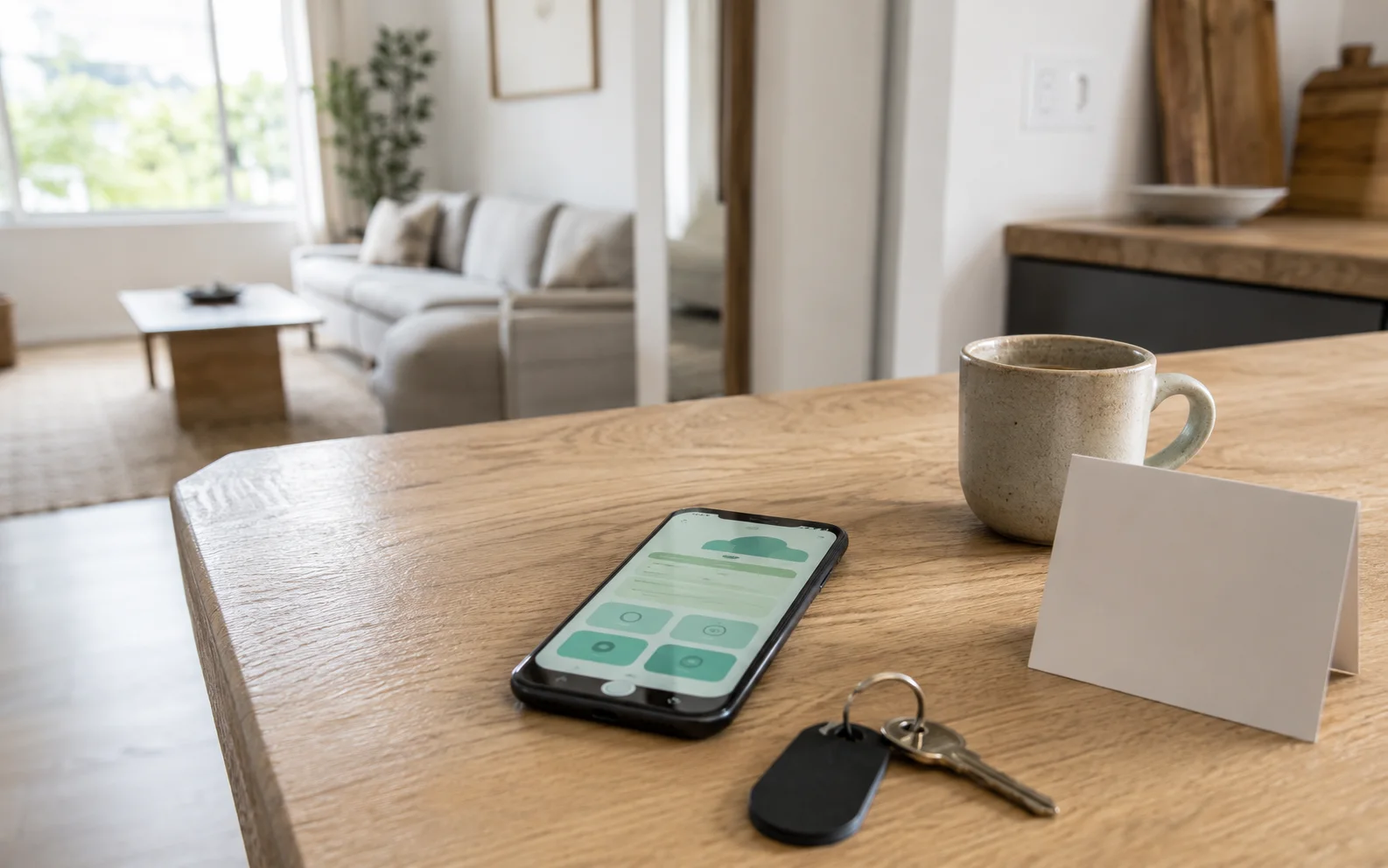
A useful check-in message answers the questions a guest has while arriving: Am I at the correct entrance? Where can I park? How do I get inside? Who can help if the instructions do not work?
Use the five templates below to separate advance planning from access details and arrival-day exceptions. Replace every bracketed field, remove anything that does not apply, and test the final instructions at the property before sharing them. The templates are free to copy and adapt for your rental; no account is needed.
Decide what to send, and when
Do not make a guest search through local restaurant recommendations to find the entrance. Put the immediate arrival task in the message and use the manual for supporting photos, longer explanations, and information needed during the stay.
This is a suggested communication structure, not a universal sending schedule. Use your actual booking terms, access arrangements, and booking platform's current messaging controls.
| Stage | Include | Leave out |
|---|---|---|
| Before arrival | Confirmed check-in time, parking approach, luggage or access constraints, how to get help | Access details that should not yet be shared |
| When access is ready to share | Correct entrance, tested entry sequence, access validity window, backup contact | Unrelated promotions and lengthy destination guides |
| Late arrival | Night-time landmark, correct parking location, quiet arrival instructions | Assumptions that an on-site team will be available |
| Access problem | One clear contact route and a request to identify where the guest is stuck | Unverified lock-reset or repair instructions |
| Early-arrival request | Whether the request is approved, declined, or still pending | Language that turns a request into a confirmed promise |
Airbnb's arrival guidance recommends complete directions, photos or video where useful, and previewing the experience as a guest. These templates apply that principle to the content of your messages; they do not replace your booking platform's arrival information.
Template 1: Help guests plan their arrival
Use this before sharing time-sensitive access information. State the local time zone rather than assuming that a travelling guest's phone is set to it.
Advance arrival message
Hi [guest first name],

We're looking forward to welcoming you to [property name] on [arrival date]. Check-in begins at [time and local time zone].

Please use [arrival address or navigation link]. The entrance is [specific entrance or visible landmark]. Parking is [permitted space and how to find it]. Please avoid [specific area, only if relevant].

You can review the arrival photos and other stay information here: [guest manual link]. We will share your access instructions [confirmed timing or method].

If your plans change or you have an arrival question, please contact us through [monitored contact method].
Host check: remove promises about a staffed reception, luggage storage, reserved parking, or an accessible route unless those arrangements actually exist. Identify steps, stairs, gates, or uneven surfaces factually rather than describing an unverified route as accessible.
Template 2: Send the details needed to get inside
A useful entry sequence describes both the action and what the guest should see afterwards. Replace the numbered steps with instructions tested on your exact lock, key safe, or reception process. Do not publish a working access code in a public resource page or demo.
Access-ready message
Hi [guest first name], your check-in details for [property name] are ready.

Arrival: [date], from [time and local time zone].
Entrance: [precise entrance description].
Parking: [confirmed parking instructions].

To get inside:

[First tested action and where to perform it.]

[Second tested action and what should happen.]

[Final tested action to enter safely.]

Your access details are [securely supplied details or where the guest can find them]. They are valid [actual access window, where applicable].

Entrance photos: [private or appropriately shared guide link].

If you are at the property and cannot get inside, contact [monitored arrival-help method]. Please tell us which entrance you are at and which step is not working.
Do not automatically include a code in every message template. Keep reservation-specific access information in the channel or protected workflow you actually use. A QR code or an obscure URL is not, by itself, access control.
Template 3: Make a late arrival easier to follow
This message should explain what changes after dark, not invent a different check-in policy. Confirm whether late check-in is permitted before using it.
Approved late-arrival message
Hi [guest first name], your arrival at around [agreed time] is confirmed.

After dark, look for [verified, visible landmark]. Please use [correct entrance] and park in [permitted location].

Follow the access instructions already shared through [contact method or guide location]. Please [specific quiet-arrival request, if applicable].

For arrival help, contact [actual monitored method and availability]. [Add the confirmed fallback arrangement if the main contact will not be available.]
Walk the route at night before describing it. An entrance that is obvious in a bright listing photo may need a closer photo showing the gate, unit number, or turn into the driveway. Keep any image free of active codes and unrelated people's information.
Template 4: Respond when a guest cannot get inside
Start by locating the problem. Avoid sending a long troubleshooting list that assumes the guest is using the correct door or that the lock has a particular fault.
Arrival-help response
Hi [guest first name], I'm sorry you're having trouble getting inside.

Please confirm that you are at [correct entrance or landmark]. Which step is not working: finding the entrance, locating the access device, entering the access details, or opening the door?

You can contact [monitored arrival-help method] now. A photo of the entrance or the device's visible message may help, but please do not include your access code or other private information.

Please do not force the door or try to repair the lock. We will confirm the next step through [contact method].
Complete the contact fields before using this message. It is a communication template, not a substitute for an actual arrival-support or emergency plan.
Template 5: Reply to an early check-in request without overpromising
This version keeps the request separate from approval. Use it when the property is not yet confirmed ready. Do not imply that buying an extra guarantees availability, and use your booking channel's current rules for any paid arrangement.
Early check-in still pending
Hi [guest first name], thanks for asking about arriving at [requested time].

Our confirmed check-in time is [time and local time zone]. We have not approved an earlier arrival yet because [brief, accurate reason].

We will confirm whether early check-in is possible through [contact method] by [time you can genuinely meet]. Until you receive that confirmation, please plan to arrive at the standard check-in time.

[Optional: add a luggage or waiting suggestion only when you have verified that it is available.]
When a request is approved, replace the pending wording with a clear confirmation of the new time. Update any separate arrival instructions that would otherwise contradict it.
Test the instructions before a guest needs them
Ask someone who has not written the guide to follow the arrival sequence without your verbal explanation. This is a practical test you can run, not a claim that these templates have been tested at your property.
- Start from the approach a guest will actually use, not from inside the home.
- Find the correct entrance and permitted parking using only the shared information.
- Open the guide on a phone that is not signed in to the host account.
- Confirm that necessary information is available at the appropriate time without exposing it publicly.
- Check that the entry steps match the installed device and that the help route is monitored.
- Remove contradictory times, old photos, expired links, and every unused bracketed placeholder.
Record the one instruction that caused the most hesitation and improve that part first. Adding another paragraph is not always the answer; replacing a vague landmark with a precise photo may be more useful.
Put supporting instructions in one guest manual
Keep the message focused on arrival. Use the manual for the entrance photo, parking explanation, Wi-Fi details, appliance instructions, and checkout information guests may need later.
StayPerk's free manual builder lets you start a draft before creating an account. Create an account when you are ready to download, print, or publish. There is no monthly subscription for the manual; optional paid transactions have separate fees.
For the rest of your guide, use the digital guest manual checklist and the guest manual sections guide.
Frequently asked questions
Short answers related to this resource.
When should I send check-in instructions?
Separate planning information from access details and use the timing appropriate to your reservation and security arrangements. The important test is whether an authorized guest can find what they need before reaching the entrance. Confirm the current controls in your booking platform rather than relying on a universal schedule.
Should I put the door code in my public guest manual?
Do not put an active access code in a publicly searchable article, sample manual, or promotional image. Use your actual protected or reservation-specific communication workflow. Test the guest experience without relying on the host's signed-in session.
Should I send the whole manual as the check-in message?
Put the essential arrival sequence in the message and link to supporting information. A guest standing at a gate should not have to read every house rule before finding the next step.
Can I use these templates outside Airbnb?
Yes. They are original, adaptable message patterns rather than platform-specific automation instructions. Update the language and delivery method for your booking channel and actual property arrangements.
Useful StayPerk pages
Continue with the role page, sample manual, pricing, or contact path that matches your next step.
Sources for this page
Related resources
5 min read
Digital guest manual checklist for short-term rental hosts
Use this host-focused checklist to decide what belongs in a guest manual, what should stay private, and where service CTAs can help the stay.
Read resource
9 min read
What to Include in a Vacation Rental Guest Manual
A useful guest manual is not the longest manual. It is the one guests can scan quickly and trust during the stay.
Read resource