Make a Wi-Fi sign for your guests
Enter your guest network and password, customize a matching Wi-Fi QR sign, and download a free PDF or PNG for your Airbnb or vacation rental.
- Step 1
Add your details
- Step 2
Choose a style
- Step 3
Check the preview
- Step 4
Download free
A style for your stay
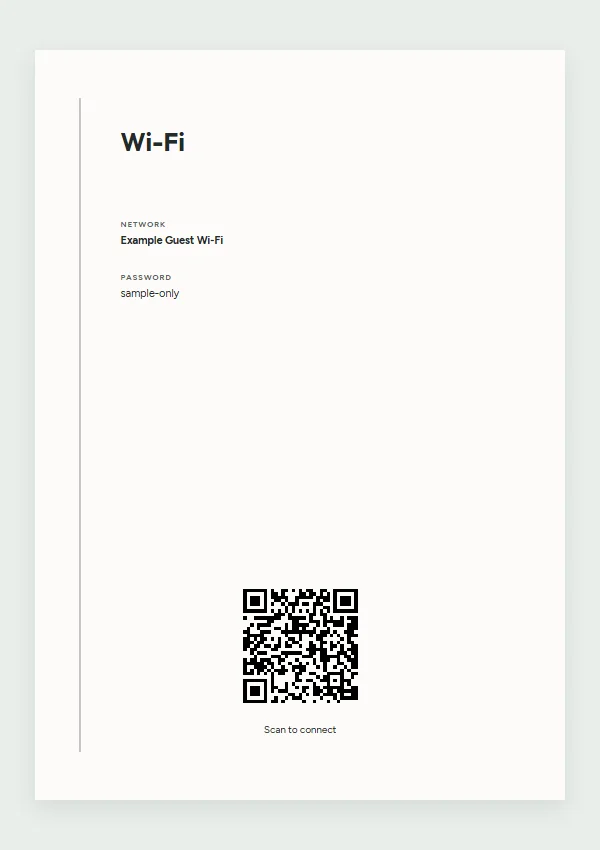
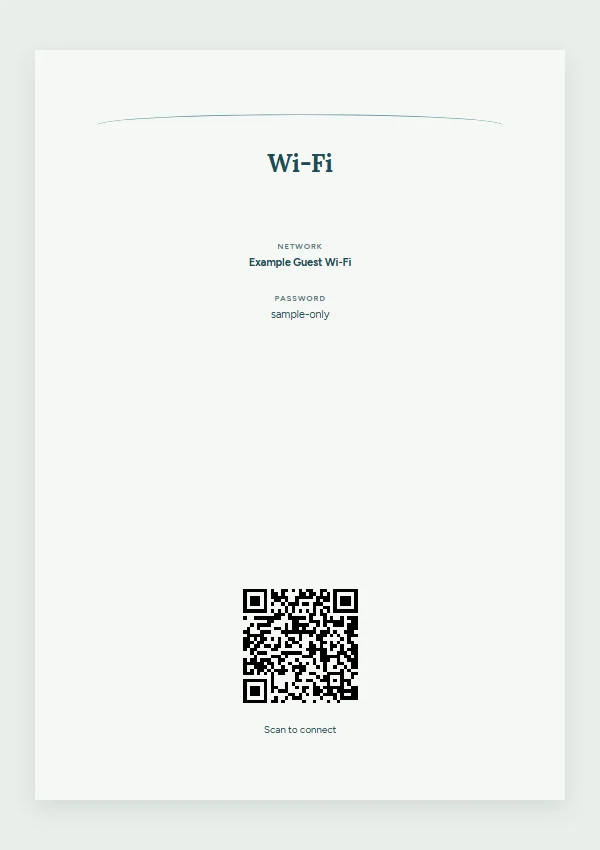
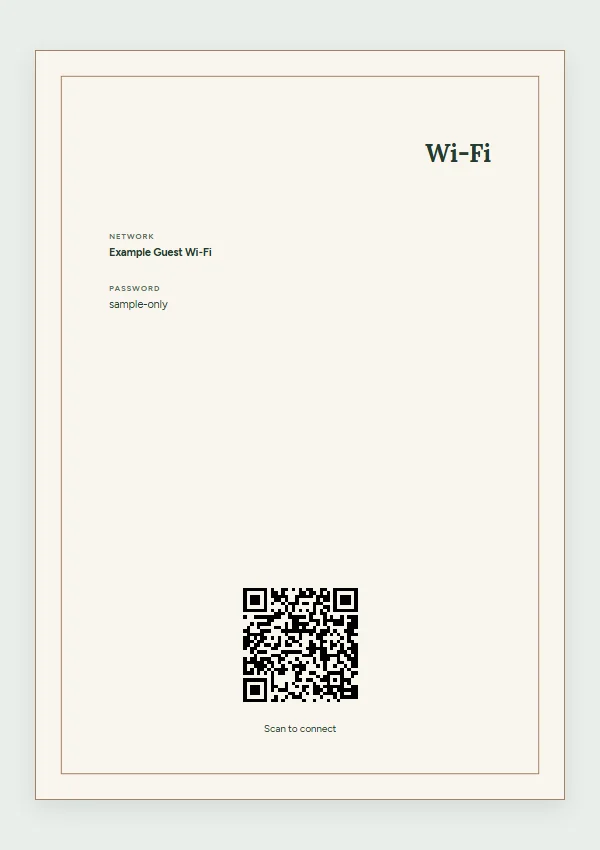
Examples from the builder. Replace sample content with your own details.
Make it yours
- Guest network name, password, heading and Wi-Fi QR code.
- Style, colors, type size, logo and QR size, placement and appearance.
- A print size for a bedside frame, counter or welcome folder.
From browser to print
- Open the Wi-Fi builder and enter the exact guest network name and password.
- Choose a style and check the text and QR preview.
- Download and scan the printed code with a guest device before displaying it.
Print sizes and downloads
Choose A4, US Letter, 8 × 10, 5 × 7 or 4 × 6 inches in the builder. PDF downloads are free; signs also support PNG. Preview each page at its chosen size and print at actual size. Printing and framing costs depend on your provider.
A Wi-Fi QR code contains the network credentials. Display only details intended for guests. Connection behavior depends on the device and network; a Wi-Fi code is different from a website QR link. StayPerk is not affiliated with Airbnb.
A book, a digital guide, or both
Use a printable Welcome Book and signs at the property, a digital manual shared by link, or both. You can reuse supported guest information from either format to create the other. Review each version before sharing; photos, layout and later changes do not automatically transfer or synchronize. Videos and supported optional paid guest add-ons are available in the digital manual.