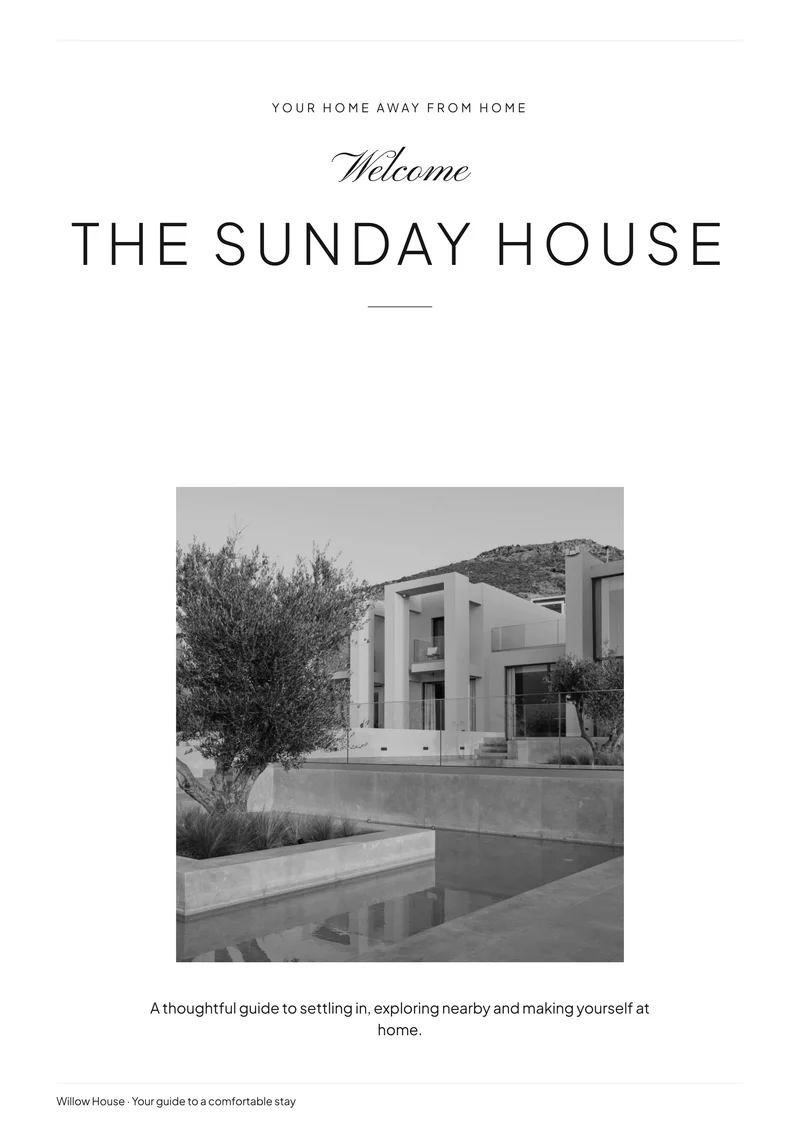
Modern Minimal
FreeWhite space, fine rules and a quiet monochrome photo treatment.
Use for freeView detailsFind a design that feels right for your property. Add your guest information, photos and house rules in your browser, then download a finished Welcome Book and create matching signs—all without buying a template.
Free PDF downloads. No account required to download. No Canva needed.
16 designs
White space, fine rules and a quiet monochrome photo treatment.
Use for freeView details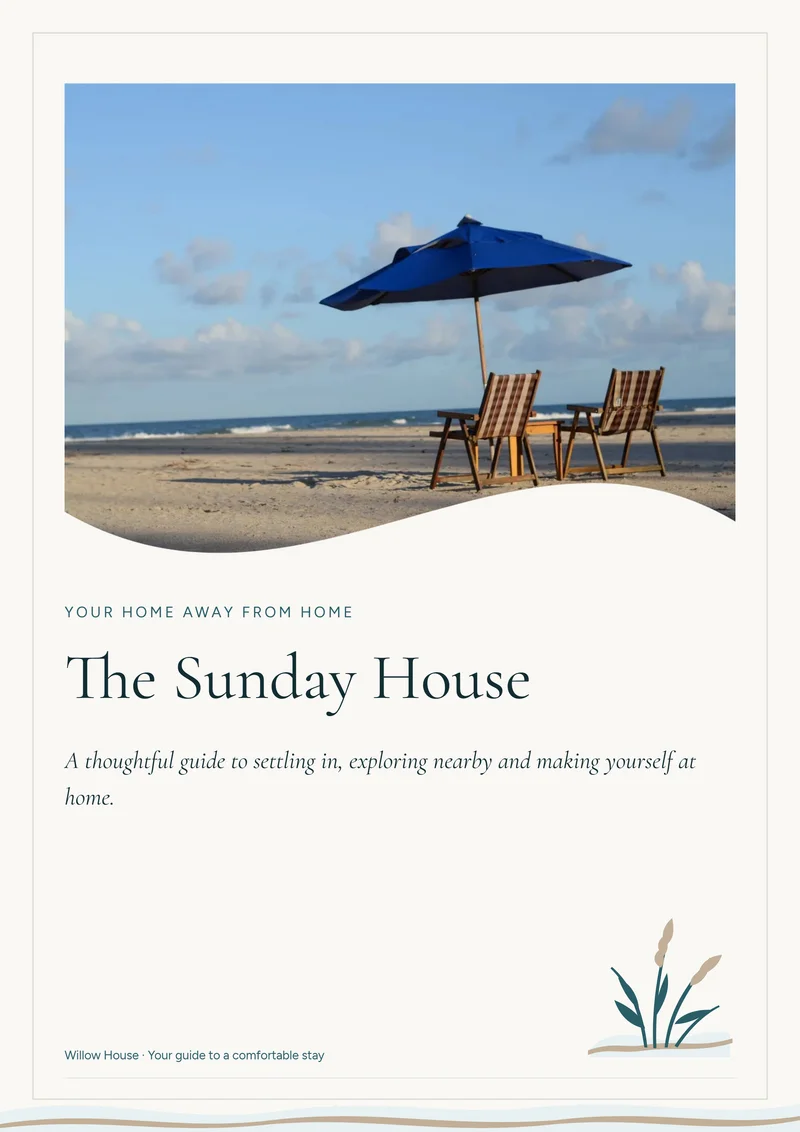
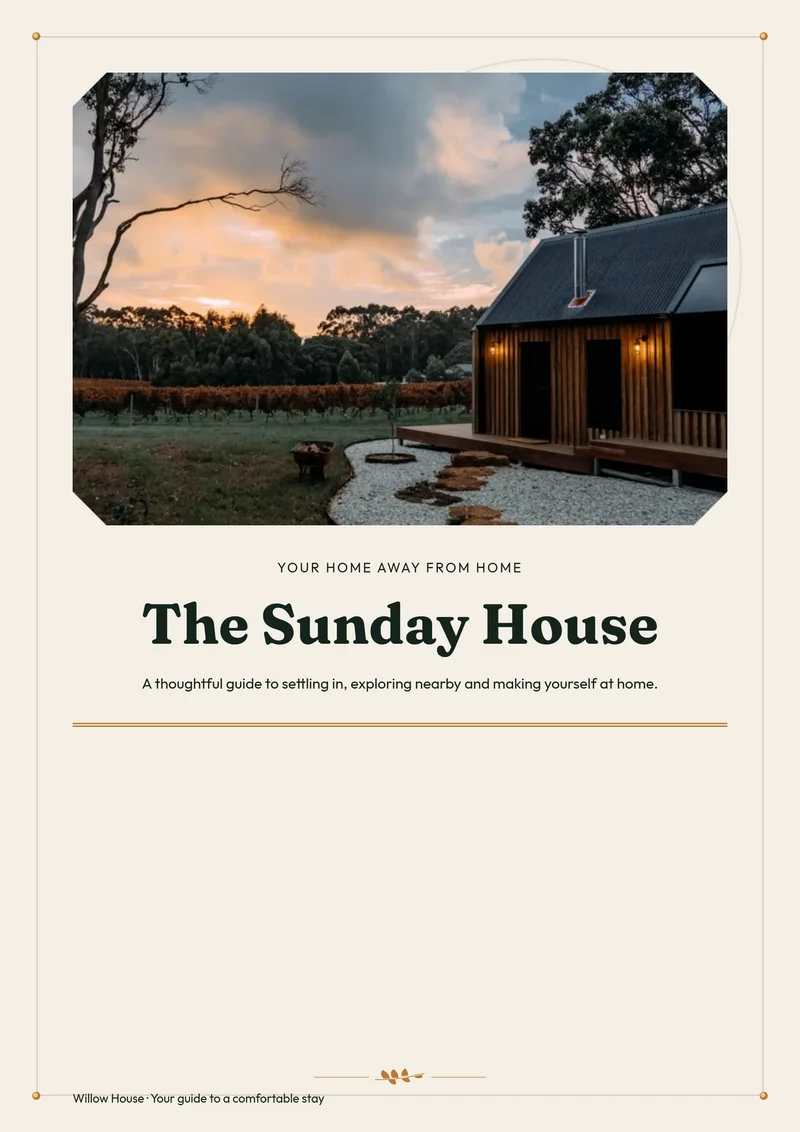
Clipped photo corners, forest-green headings and fine warm framing.
Use for freeView details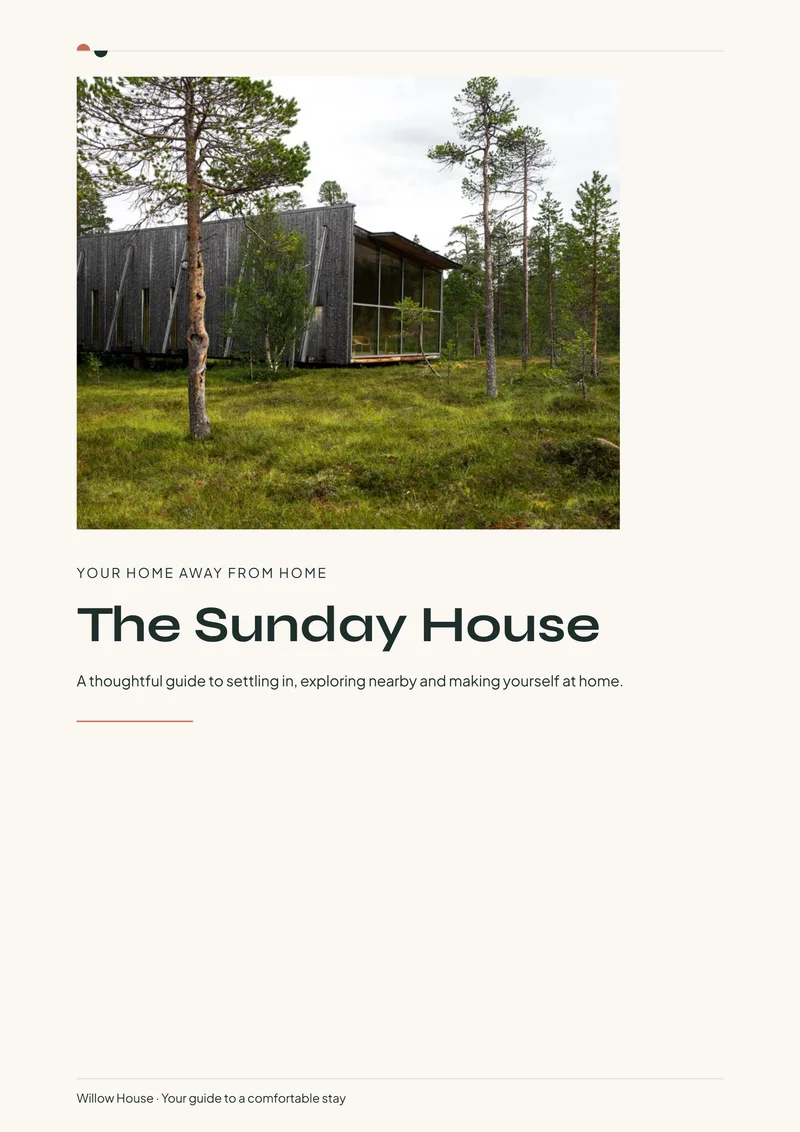
A generous rectangular photo and small colorful Nordic details.
Use for freeView details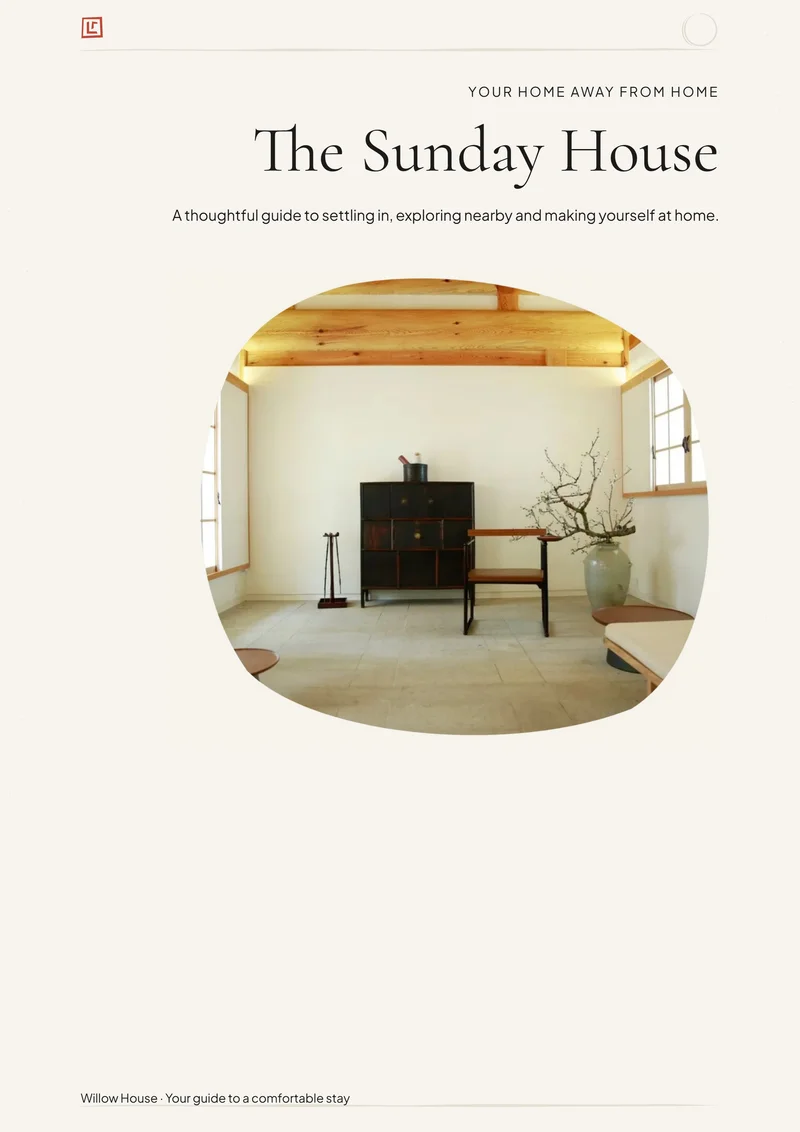
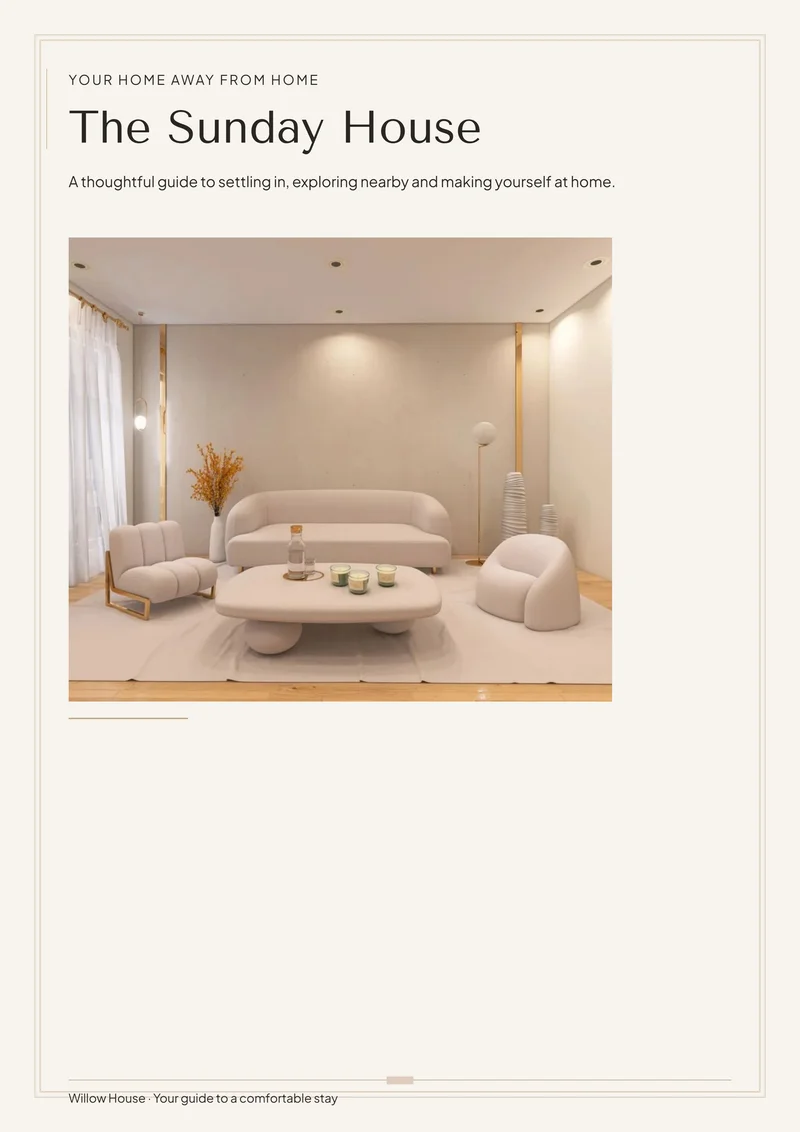
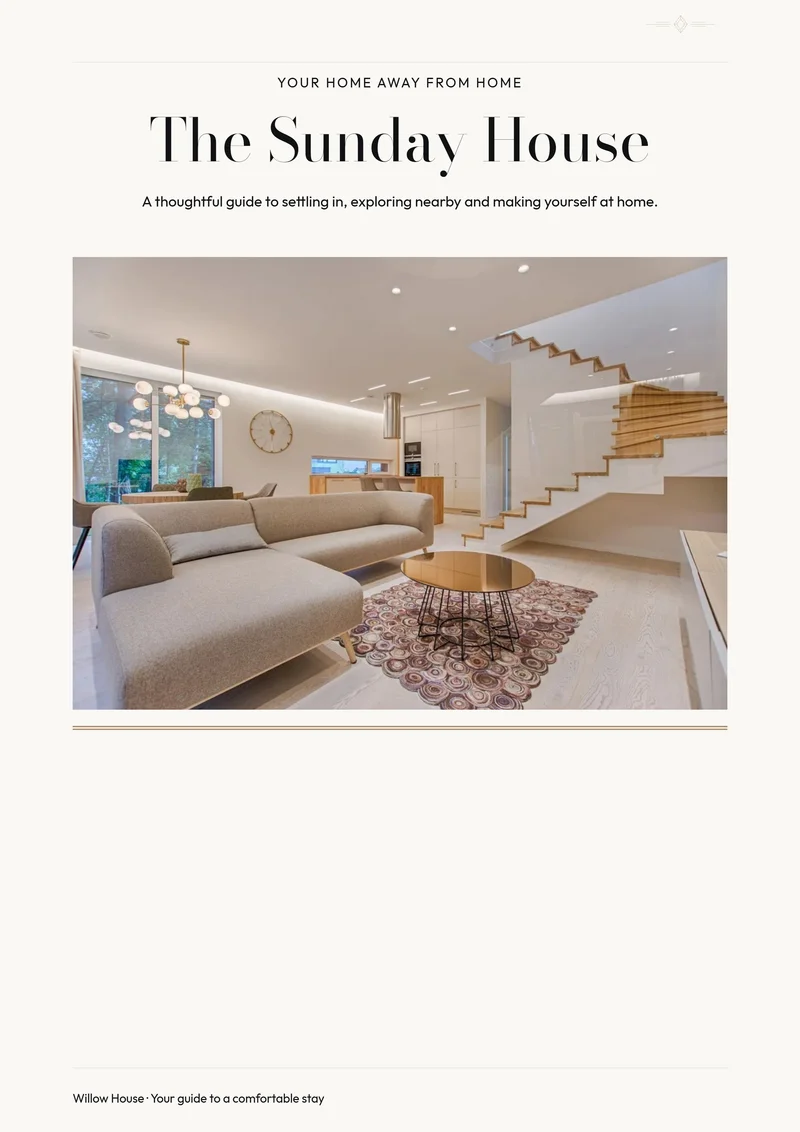
A centered editorial title, architectural photo and exceptionally fine rules.
Use for freeView details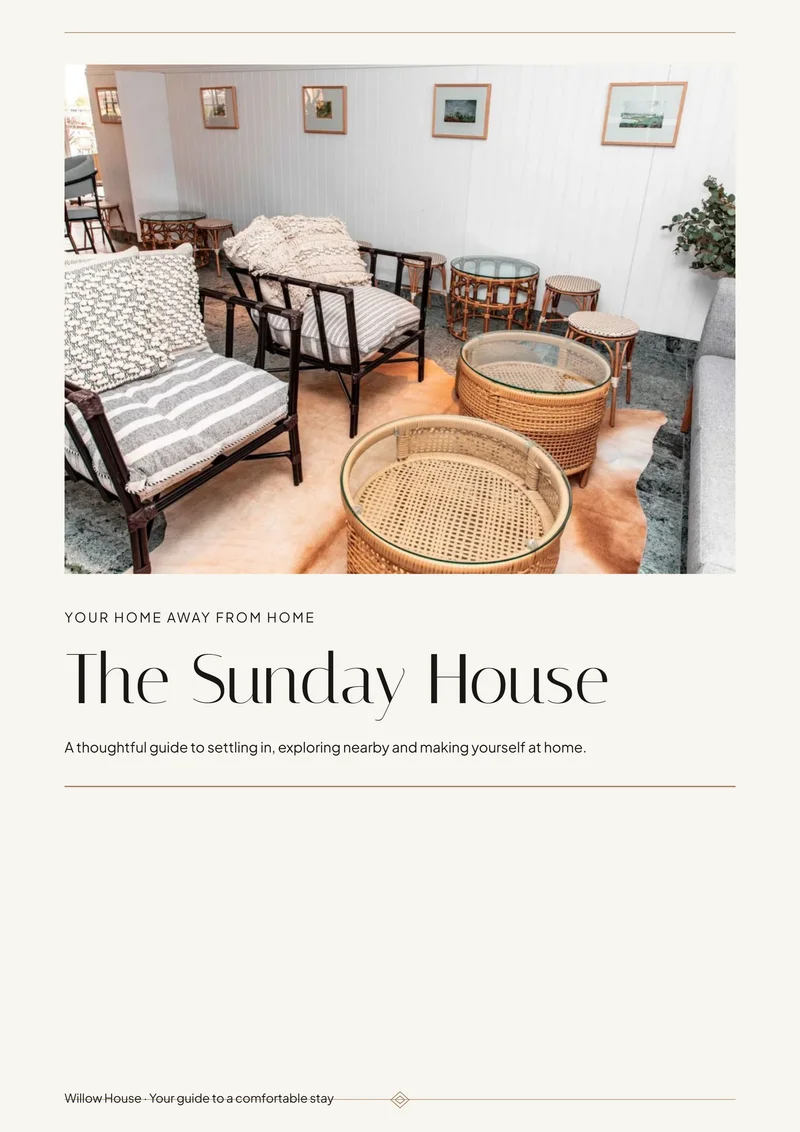
A photo-led cover with elegant headings and a small diamond detail.
Use for freeView details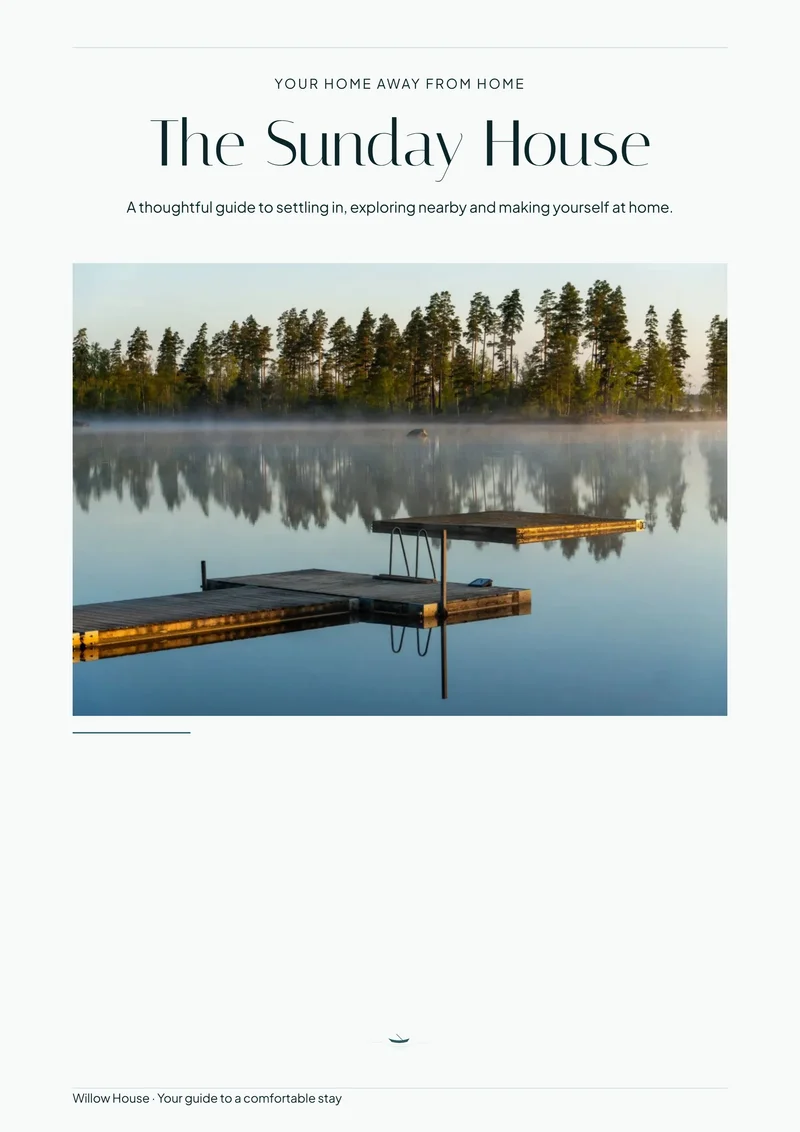
Cool pale pages, open spacing and straight-edged landscape photography.
Use for freeView details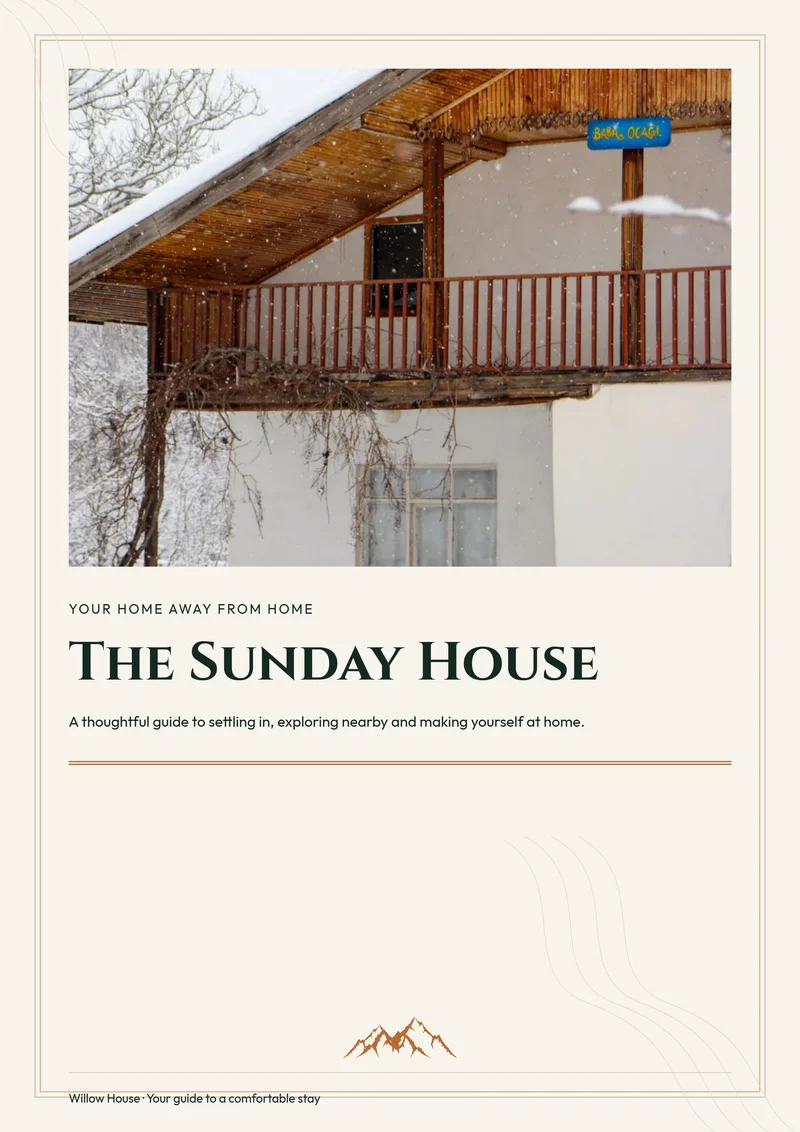
Mountain line art and contour details beneath a bold lodge-style title.
Use for freeView details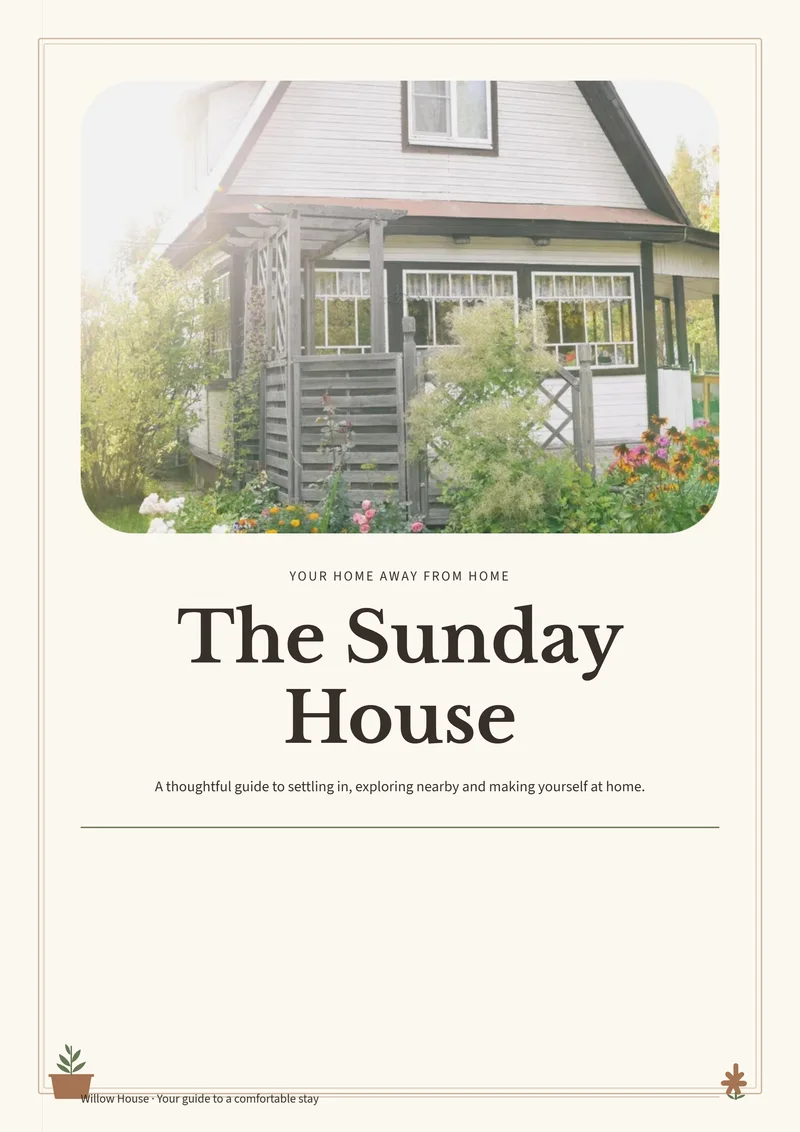
Soft photo corners, a substantial title and tiny potted-plant details.
Use for freeView details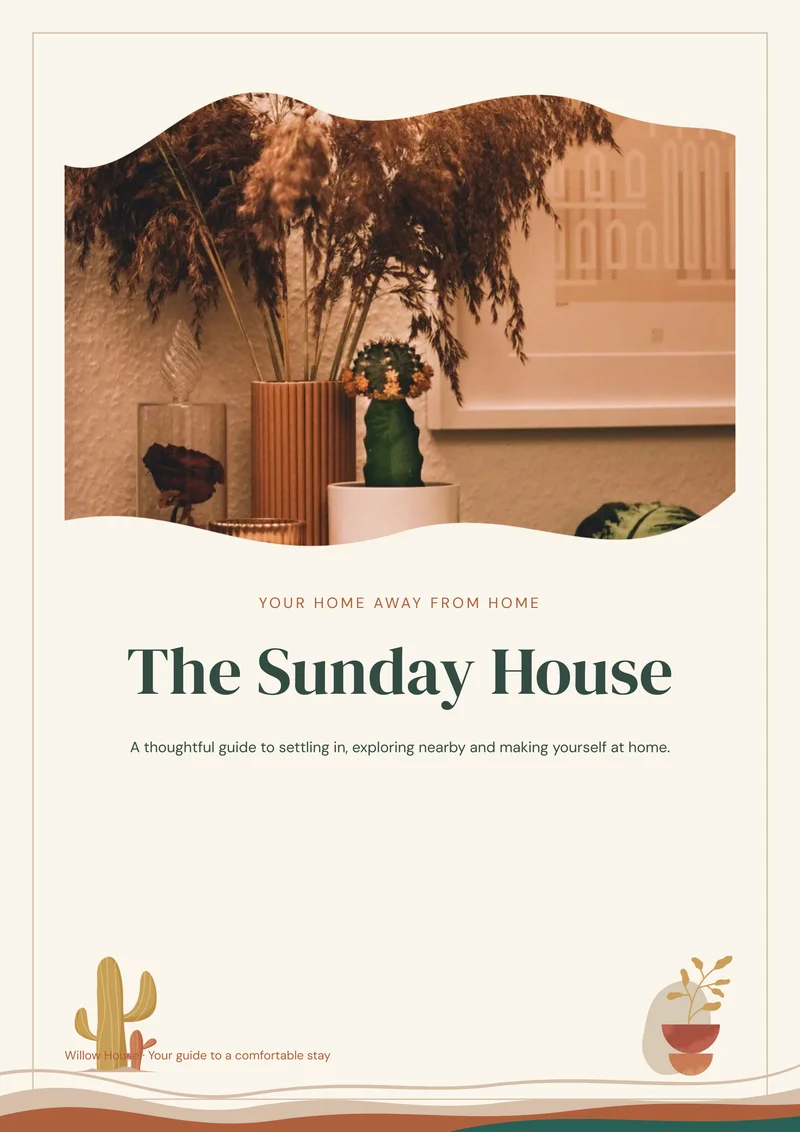
Wavy photography, earthy layered borders and cactus illustrations.
Use for freeView details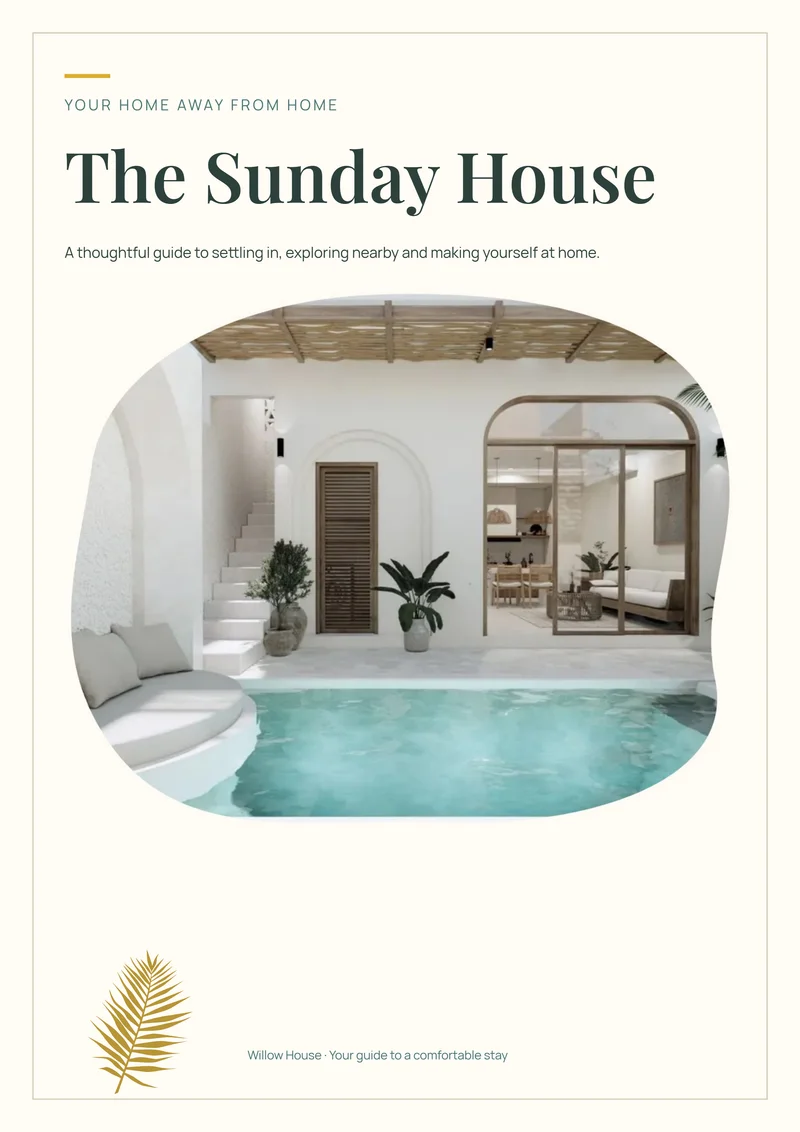
Rounded organic photography with green and gold leaf details.
Use for freeView details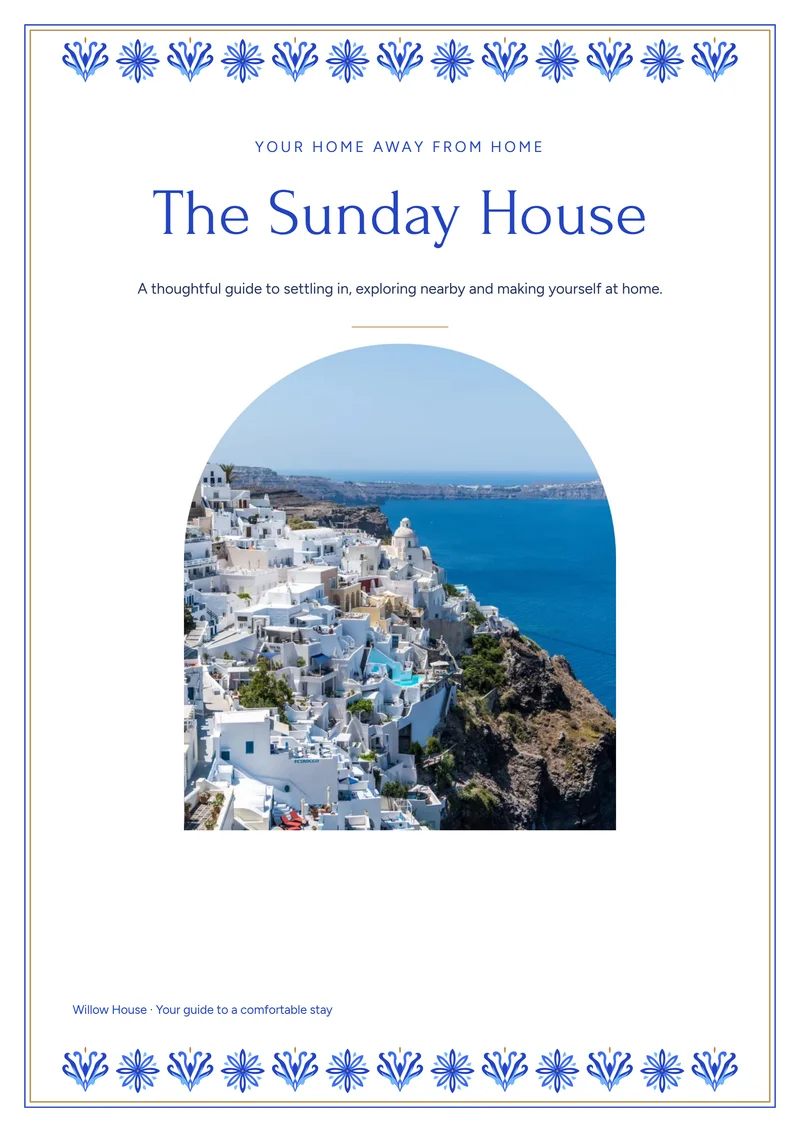
Blue floral borders and arch-shaped photography on a bright page.
Use for freeView details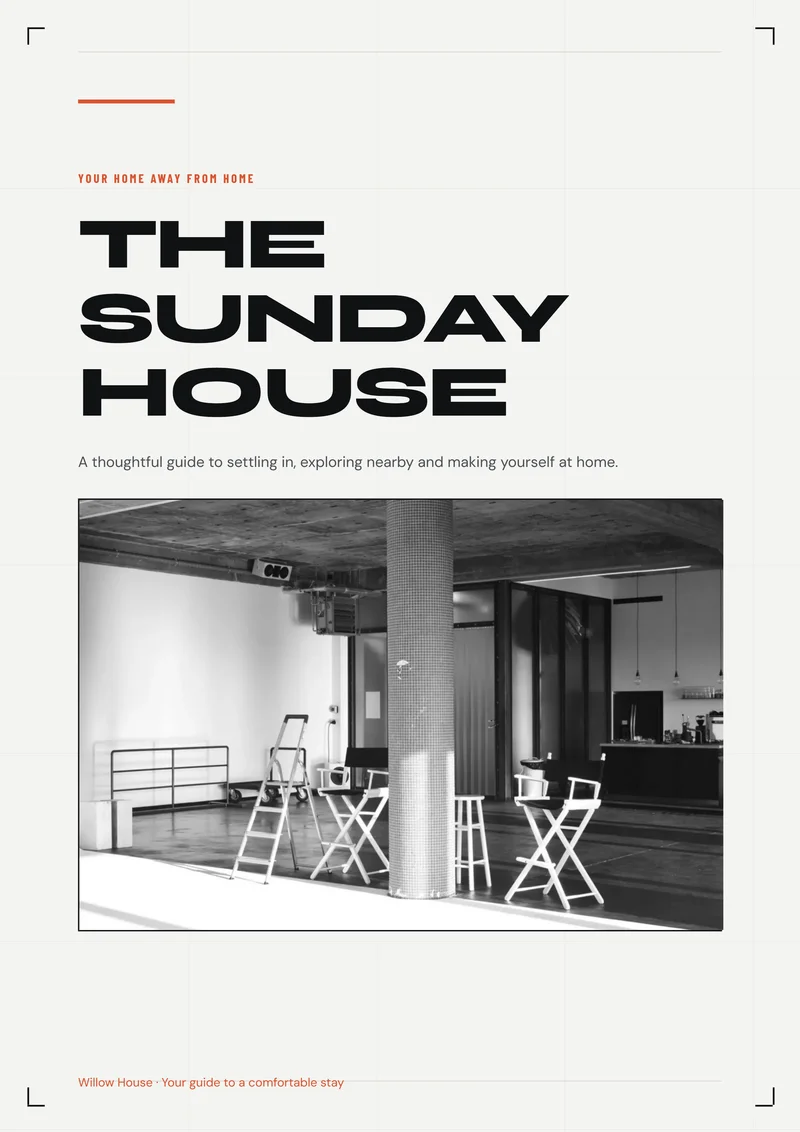
Bold graphic headings overlap monochrome photos with orange accents.
Use for freeView details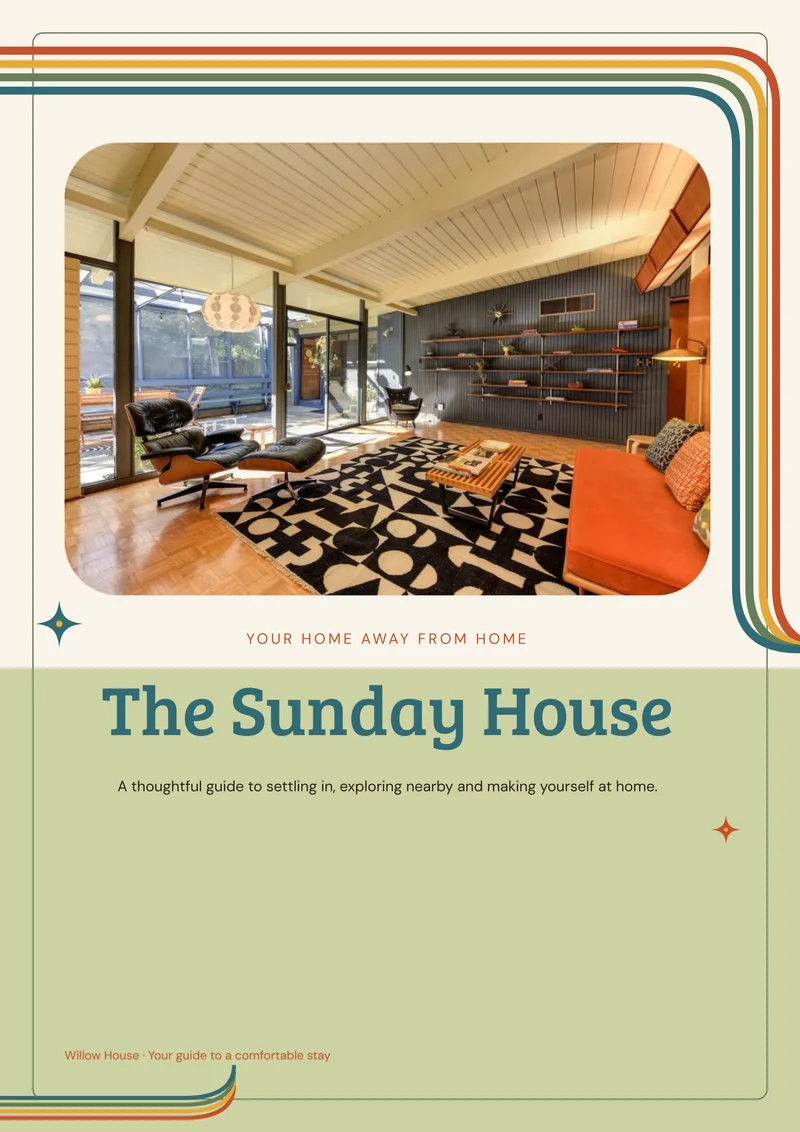
Rounded multicolor stripes, warm paper and a playful green cover panel.
Use for freeView detailsStart with coordinated pages rather than a blank document.
Replace the sample information, add your photos, and keep or remove pages.
Check the preview, then download free.
Match the property’s character. Look at the rooms, furnishings and overall atmosphere, rather than choosing only by location. For a clean, understated look, explore Modern Minimal, Scandinavian, Japandi.
Check an inside page. Open View details on any design to inspect a real information page and matching sign. For cottages or nature-inspired stays, compare Coastal, Lakehouse, Woodland Cabin, Mountain Lodge; each presents photography and instructions differently.
Think about the finished set. Use the same look for your Welcome Book and compatible guest signs. For more expressive interiors, try Retro Retreat, Mediterranean, Desert Boho, Boutique Hotel. Any property can use any theme.
Choose the workflow that suits you. StayPerk brings the design, guest-information pages and PDF download together in one rental-specific builder.
Editing your Welcome Book and downloading its PDF are free. You do not need an account to download. Printing is separate.
No. You personalize the Welcome Book directly in StayPerk.
You start from a ready-made design, edit the guest information in your browser, and download your personalized PDF.
Yes. You can reuse supported guest information in a StayPerk digital manual, then review it before sharing. Saving to an account is optional and separate from downloading.
Start with the printable version. Later, reuse supported guest information in a digital manual you can share by link, with videos and optional guest add-ons. Review it before sharing; photos, print styling and later edits do not automatically transfer or stay synchronized.