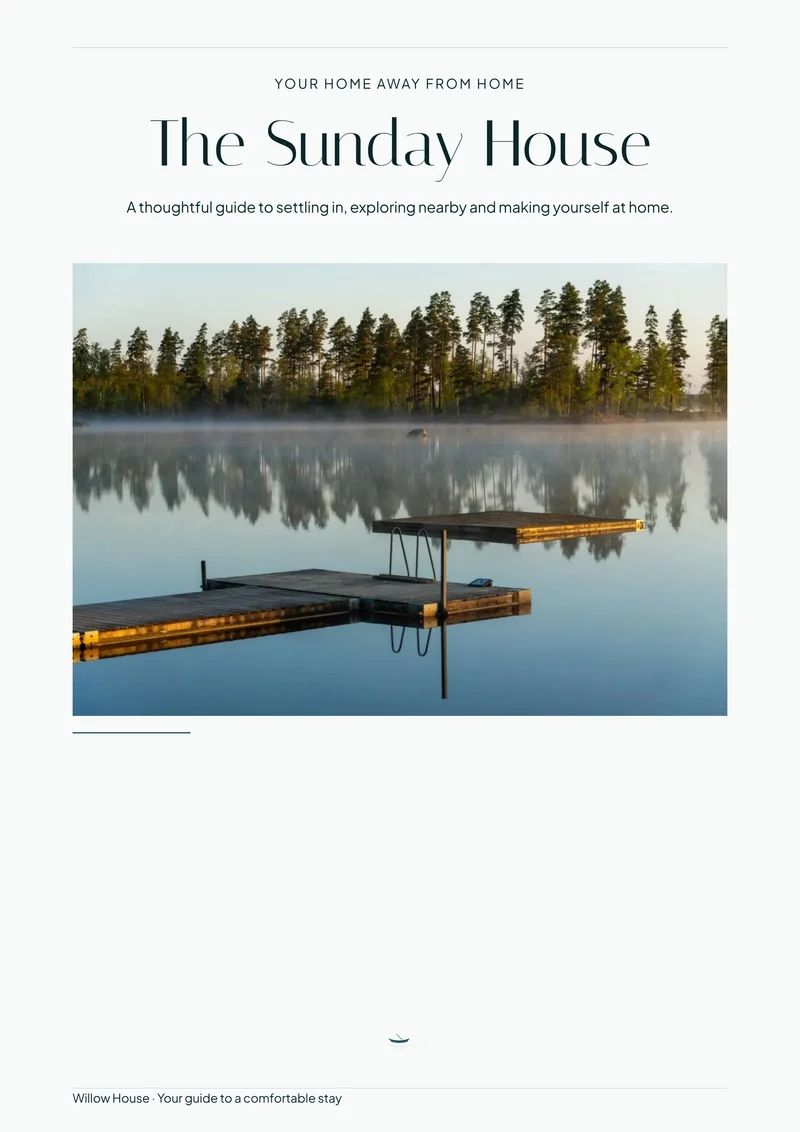
Lakehouse
Cool pale pages, open spacing and straight-edged landscape photography.
Coastal combines a broad cover photograph with a flowing lower edge, fine wave lines and small botanical details. It brings a relaxed seaside character to your editable Welcome Book without filling the information pages with decoration.
Best for: Beach houses, airy cottages and relaxed interiors that suit a soft, flowing presentation.
Start a free Welcome BookThe button opens the editor with this design selected. Your first PDF downloads free, with no account.
Or create a free guest manual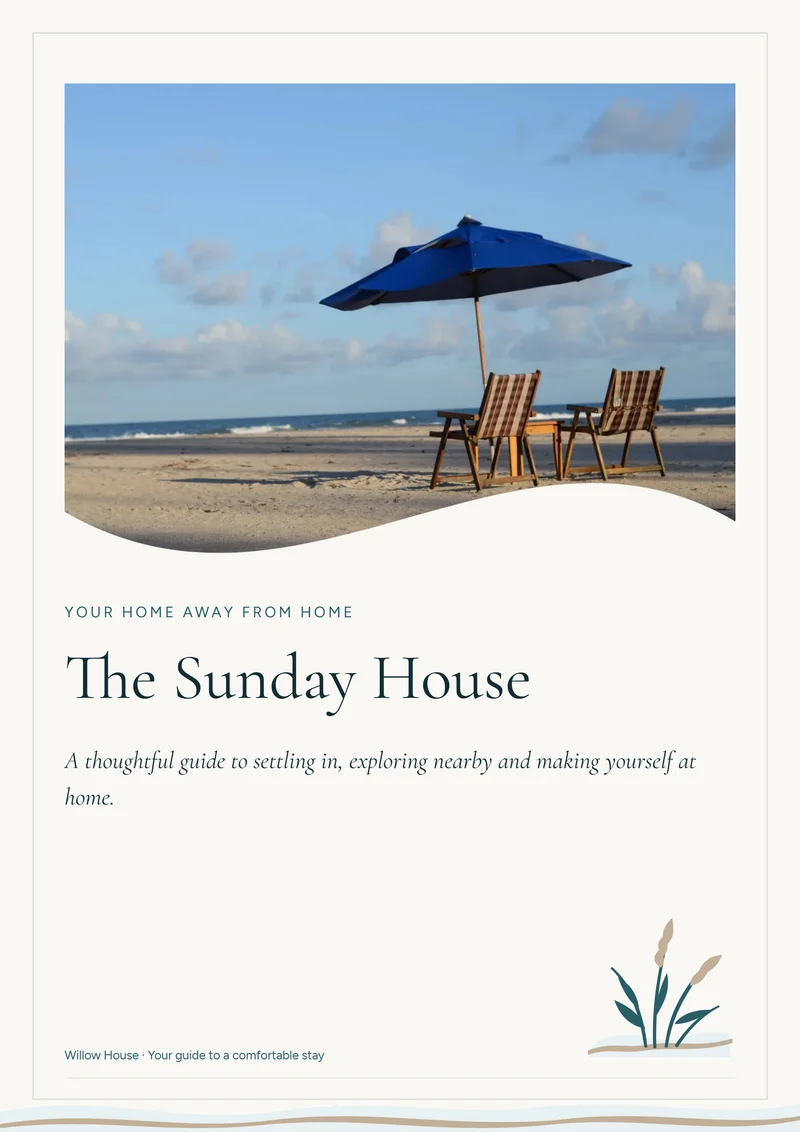
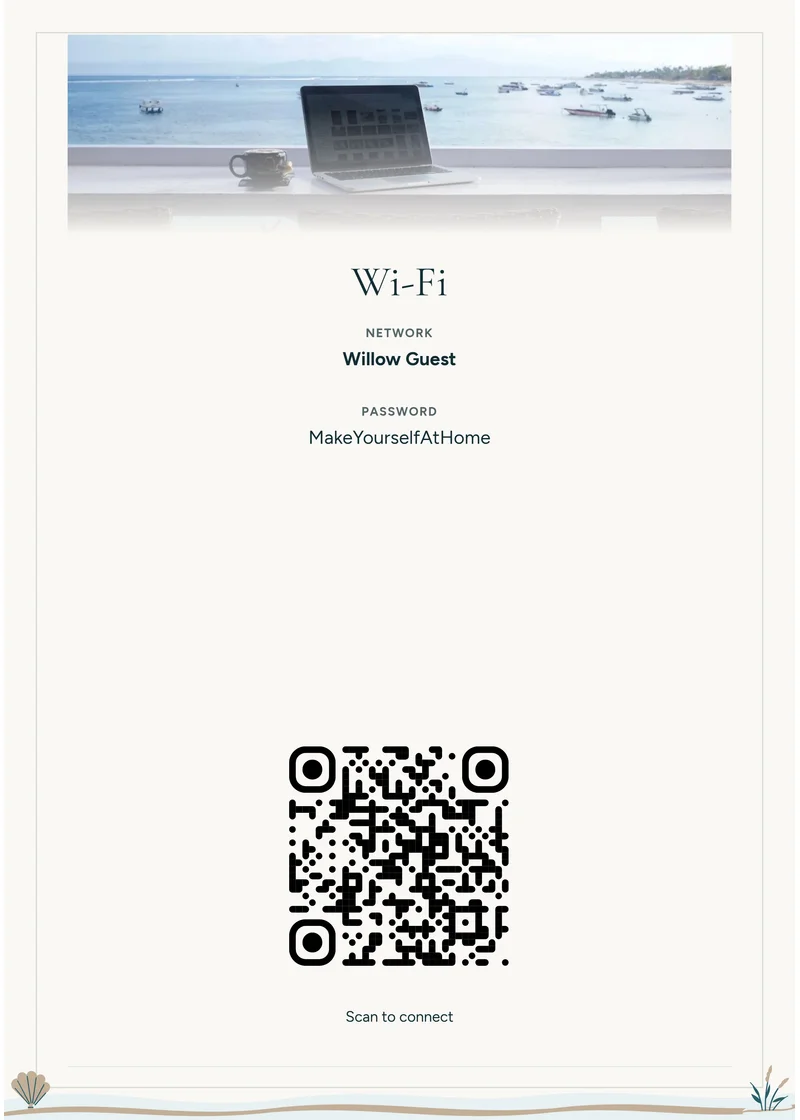
These are sample printable pages, including an example photo-column layout. Replace demonstration information and photography with your own; these are not photos of your property.
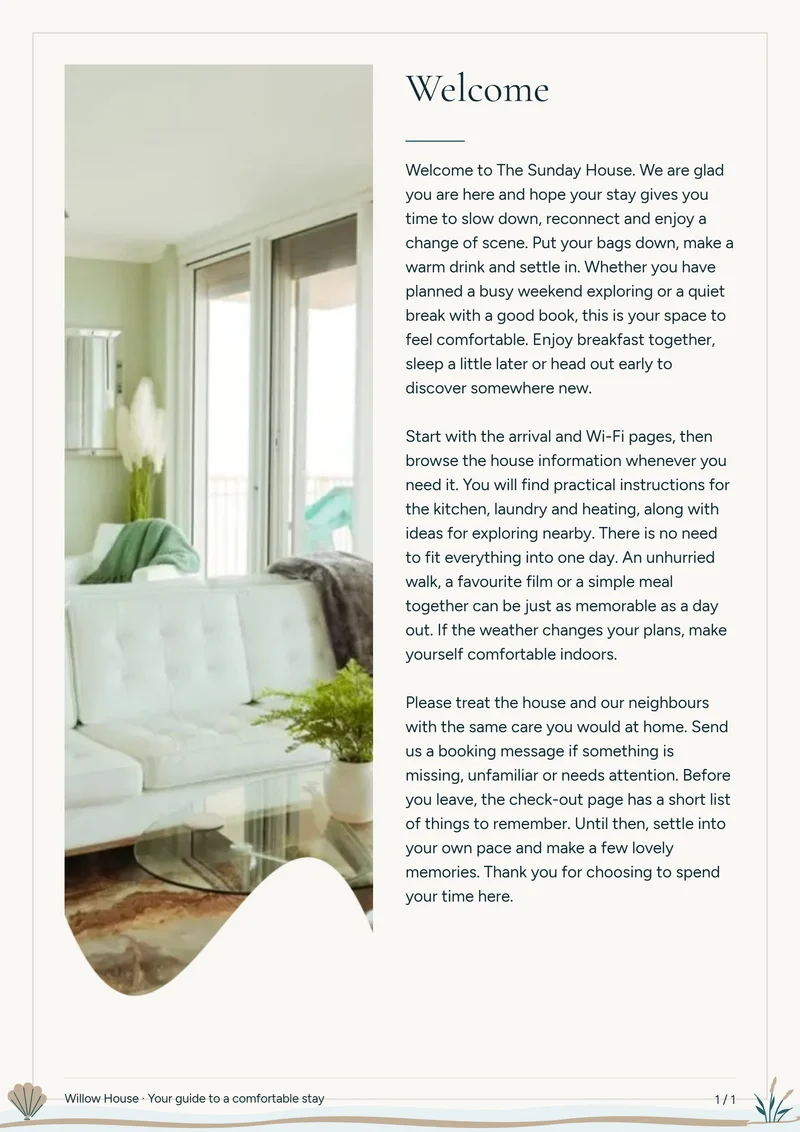
Try a wide exterior or open living-space photo, keeping important details away from the wave edge. Add practical beach or outdoor information only when it applies to your stay.
Choose this design, replace the sample details and photos, then check the preview and download your PDF. StayPerk handles the page layout while you edit the content. You can keep or remove pages and add more using the builder.
Start with ready-made guest-information pages: Welcome, About the house, Wi-Fi, Check-in, Guest guidelines, Amenities, Property instructions, Emergency information, Local recommendations, Check-out and a closing thank-you page, alongside the cover. Replace the sample details and remove anything you do not need.
Create a Welcome Book and compatible matching guest signs, including Wi-Fi, welcome, appliance instructions and short reminders. Your first PDF downloads free, with no account; signs also come as PNG.
Lakehouse uses straight photo edges and cooler open space; Mediterranean adds a much more decorative blue floral frame.
Cool pale pages, open spacing and straight-edged landscape photography.
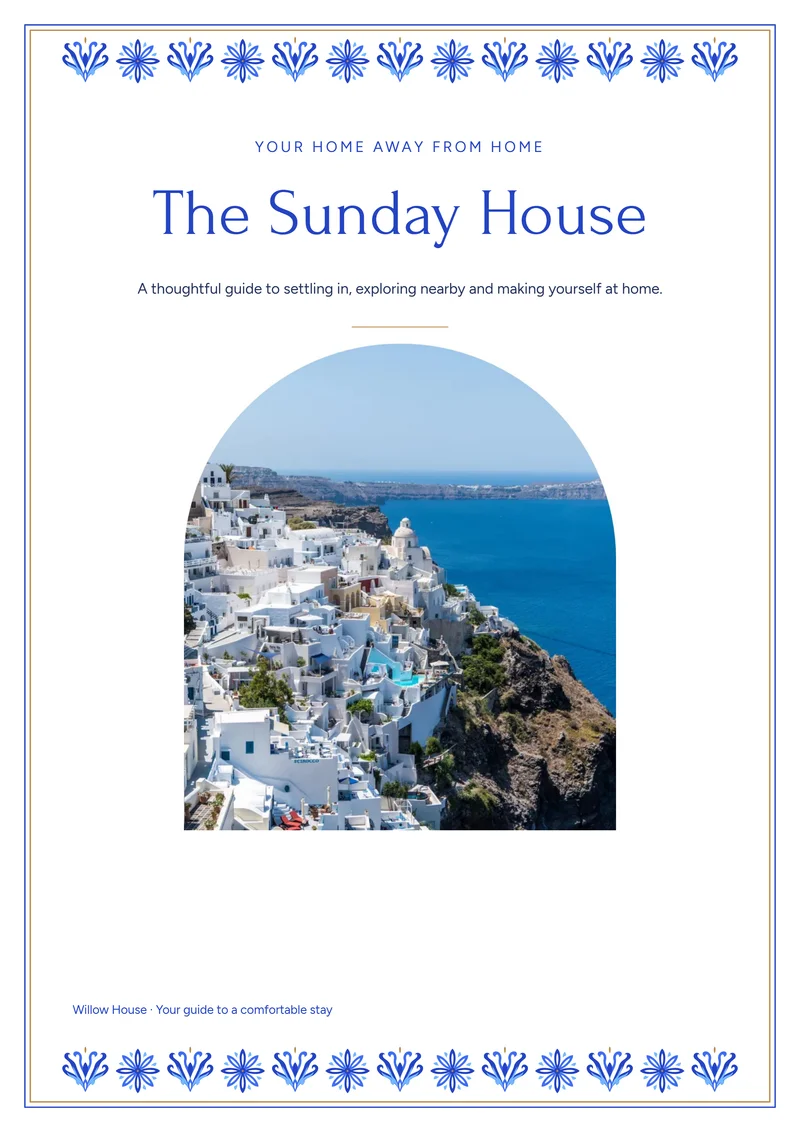
Blue floral borders and arch-shaped photography on a bright page.
Start with the printable version. Later, reuse supported guest information in a digital manual you can share by link, with videos and optional guest add-ons.
Review it before sharing; photos, print styling and later edits do not automatically transfer or stay synchronized.
Learn about printable and digital Welcome BooksThe button opens the editor with this design selected. Free to customize, and your first PDF downloads free with no account. No Canva.