Sample turnover report
What you get after every clean
Your cleaner ticks off your checklist on a link, with no app and no login, and takes photos as they go. Each photo is stamped with the time and a code. This is the report you get, for a made-up cabin.
Birchwood Lakeside Cabin (demo): turnover report
Check-out Sunday, October 18, 2026 · cleaned by Sam (demo cleaner) · started Sun, 18 Oct 2026, 11:08 AM EDT · finished Sun, 18 Oct 2026, 1:06 PM EDT
Problems reported
The front left burner on the stove is slow to light. Worth a look before the next guests.
Sun, 18 Oct 2026, 11:48 AM EDT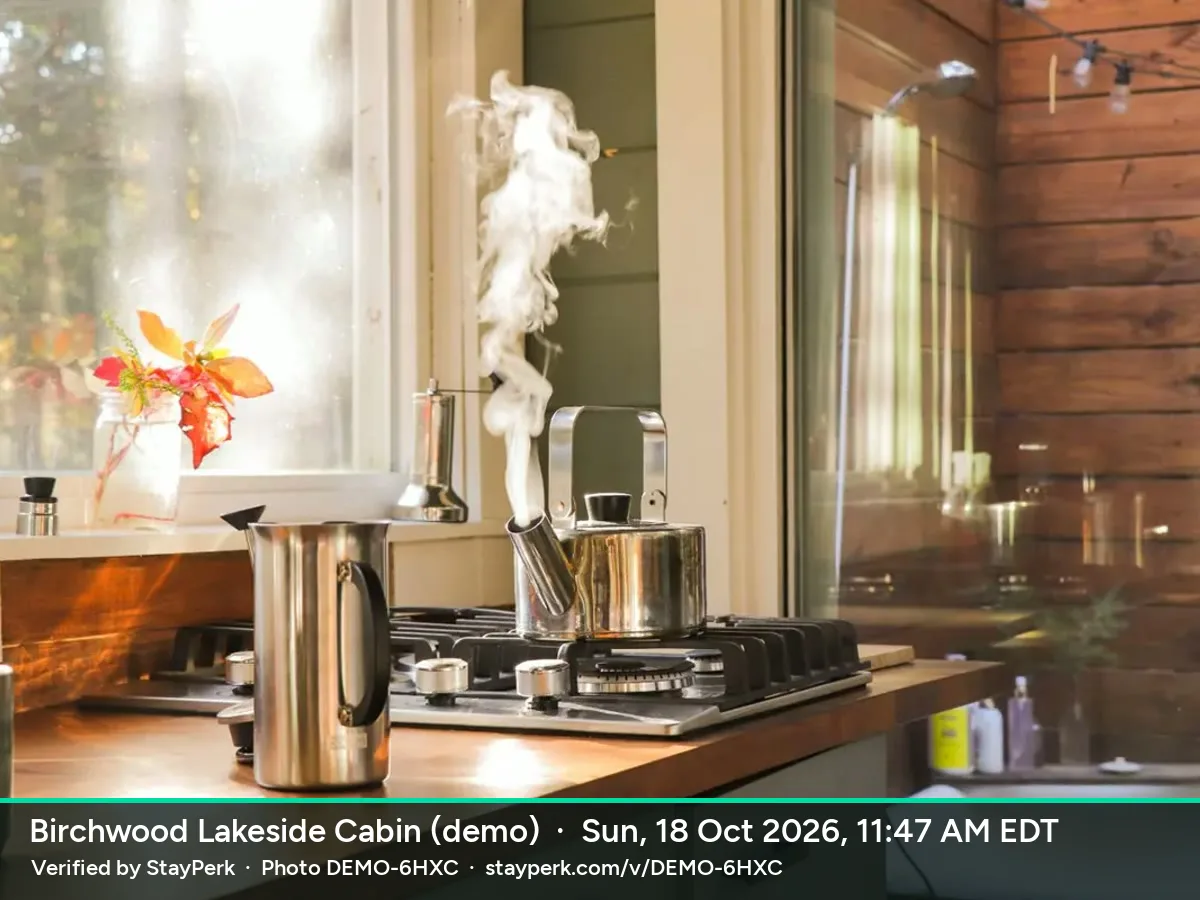
Checklist
Arrival: Photos of the place as you found it (any damage or mess)
Kitchen: cleaned and staged
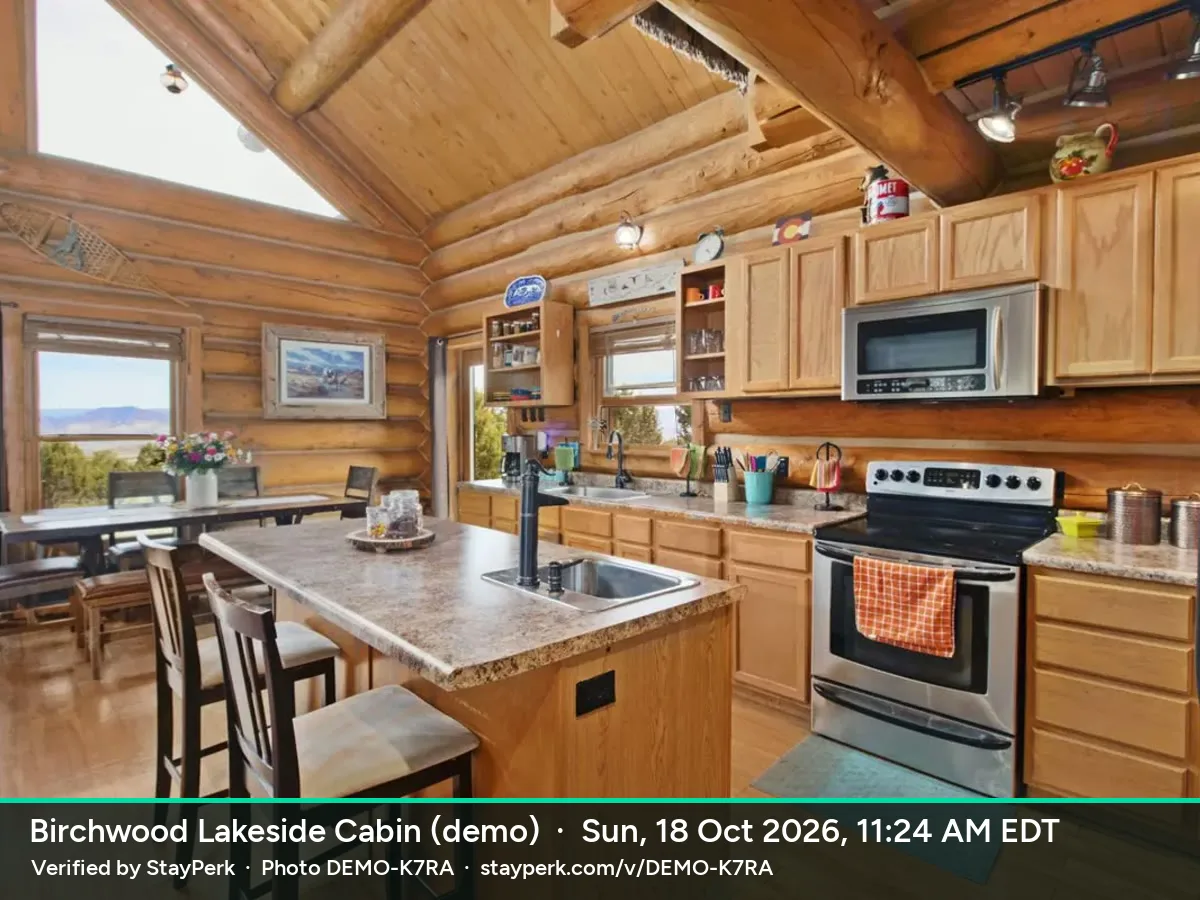
Living room: cleaned and staged
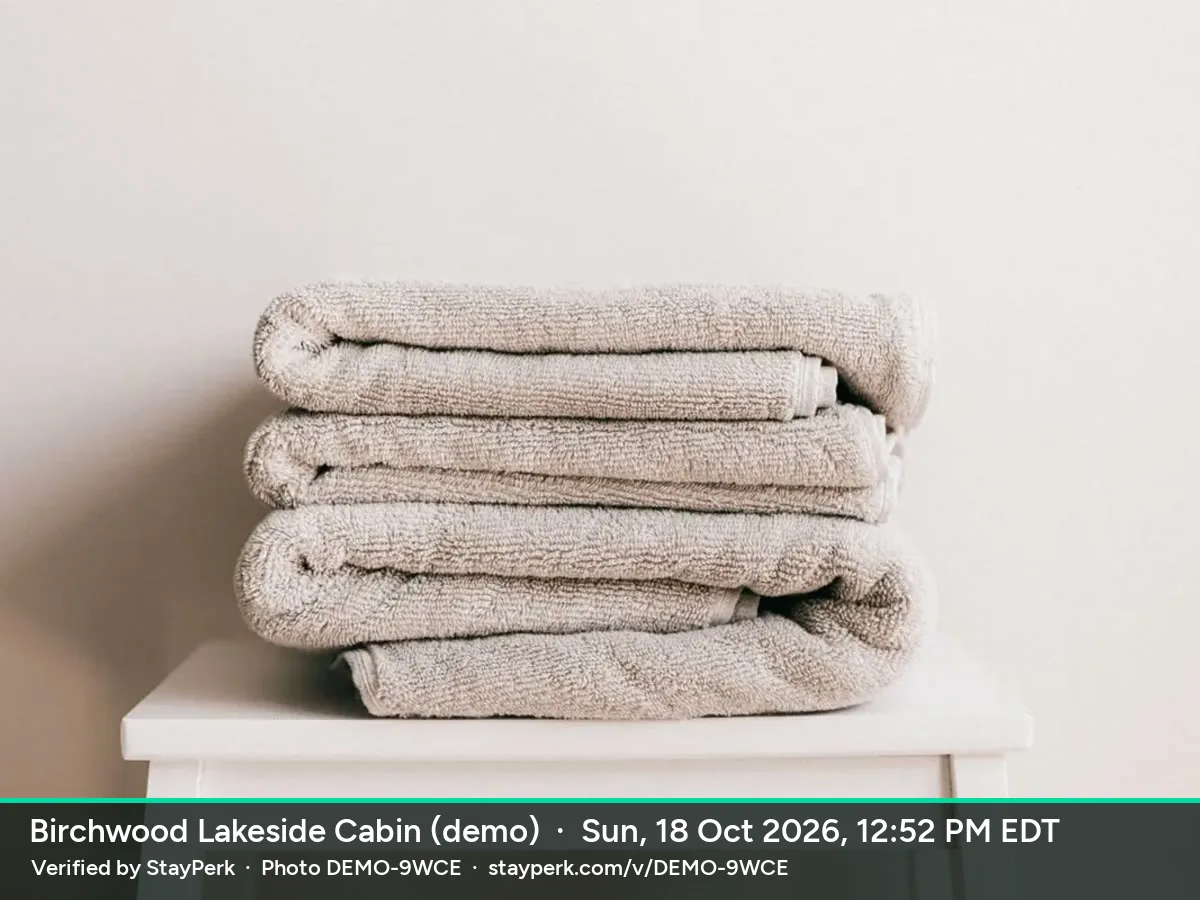
Bedrooms: Fresh linens on every bed, towels out
Supplies: Toilet paper, soap, coffee and supplies restocked
Finish: Trash and recycling taken out
Finish: Windows closed, doors locked, keys returned
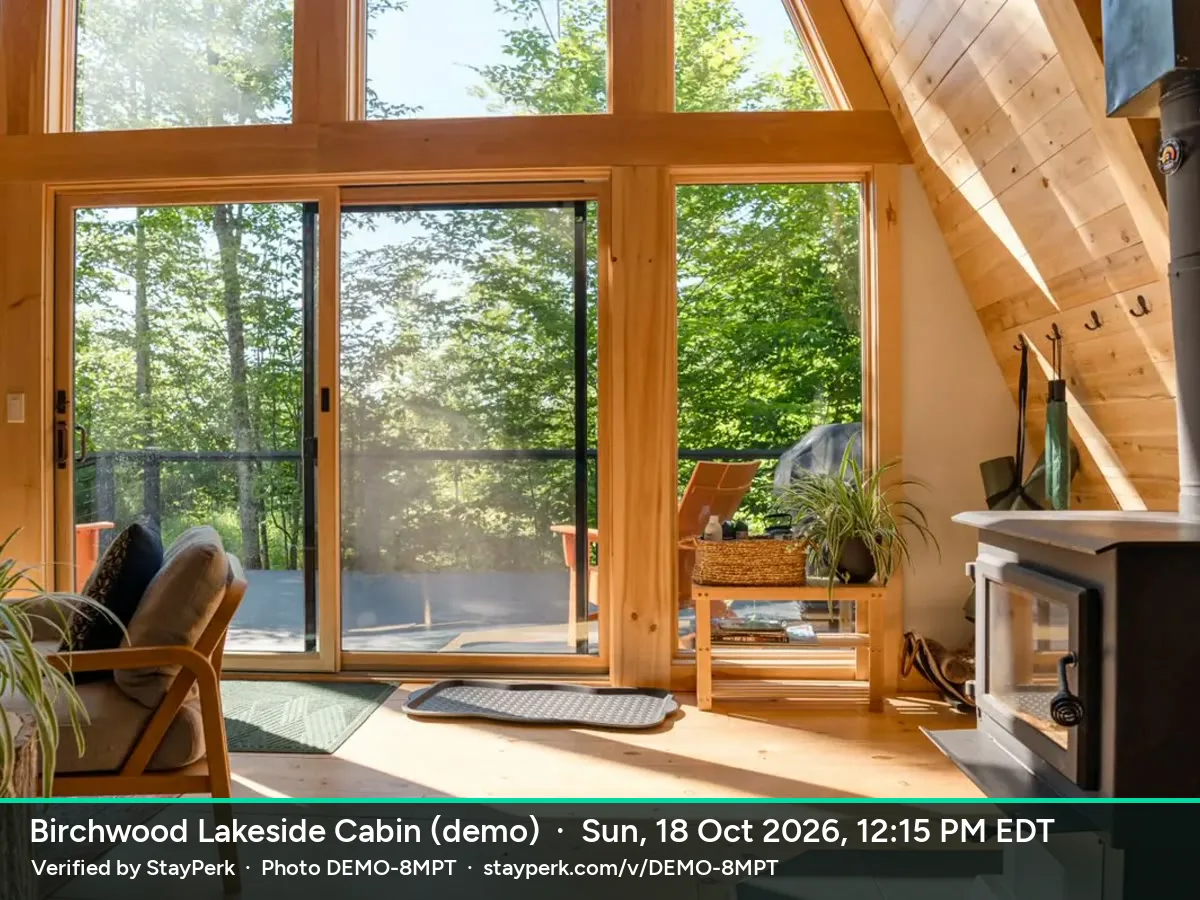
Walkthrough photos (2)
Kitchen
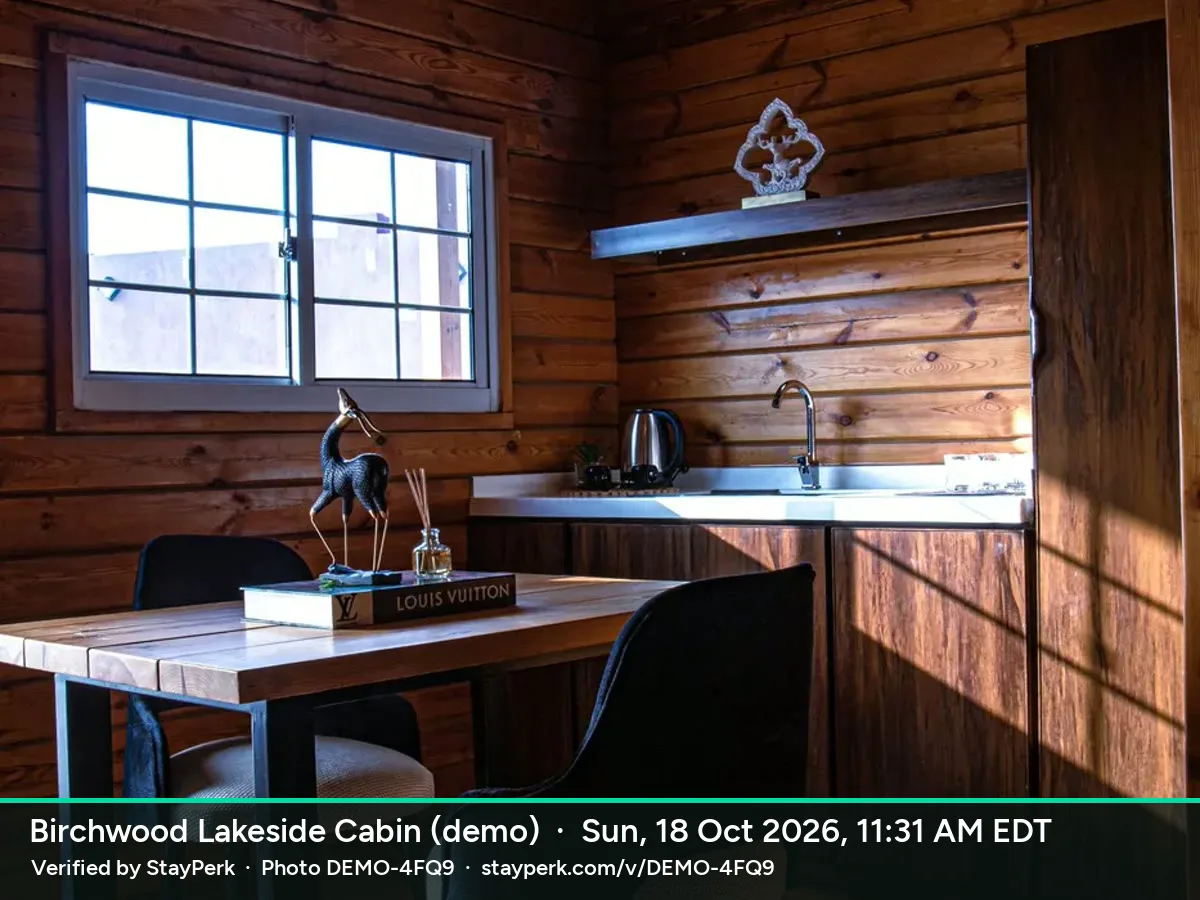
Living room
How it works in your account
- Add your checklist once, or start from ours.
- Send your cleaner their link. They open it on their phone, with no app or login.
- They tick each task and tap the shutter as they walk through. StayPerk stamps each photo with the time and a code.
- You get this report. Print it or save it as a PDF if a guest disputes a clean.
Free to start, no subscription and no limit on properties.
How cleaner photo proof worksCheck a photo code: DEMO-K7RA