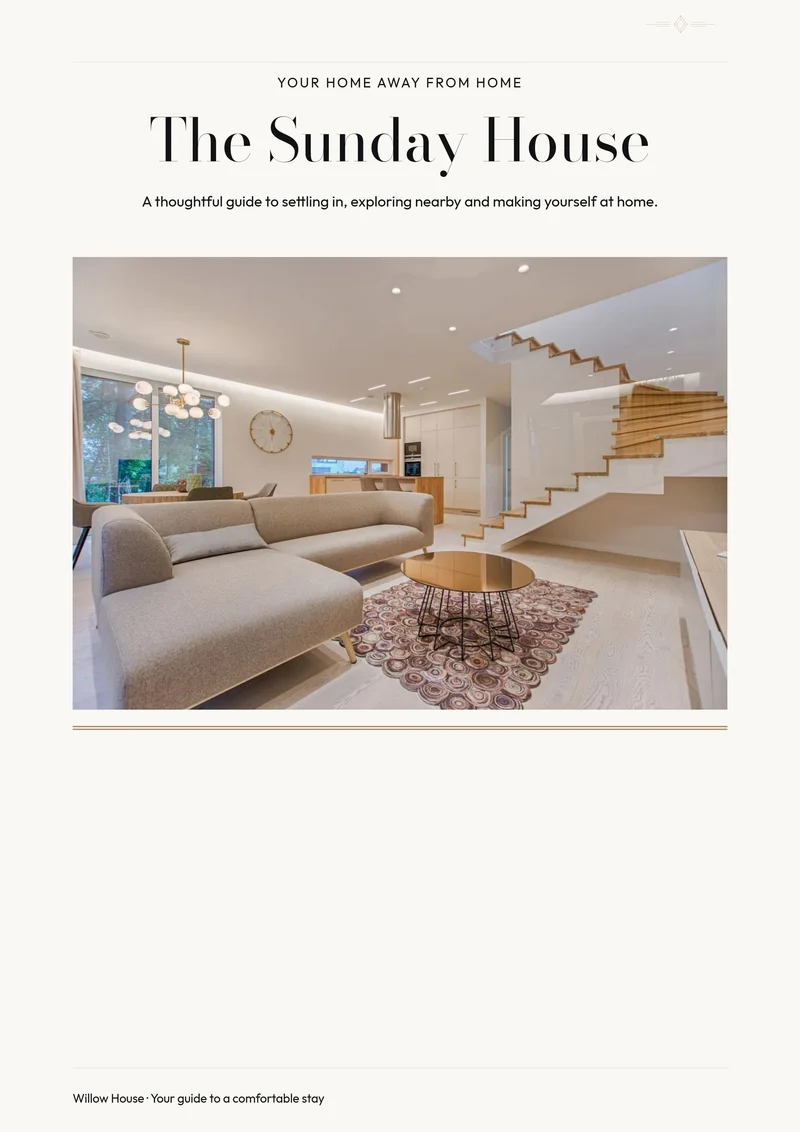
Modern Luxury
A centered editorial title, architectural photo and exceptionally fine rules.
Art Deco runs each photograph to the edge of the paper and ends it in a single long curve, echoed by a fine brass line. Spaced capital titles, stepped brackets and a small sunburst give the Welcome Book a clear 1920s character on ivory paper.
Best for: City apartments, historic buildings, boutique stays and interiors with brass, marble or dark green.
Start a free Welcome BookThe button opens the editor with this design selected. Your first PDF downloads free, with no account.
Or create a free guest manual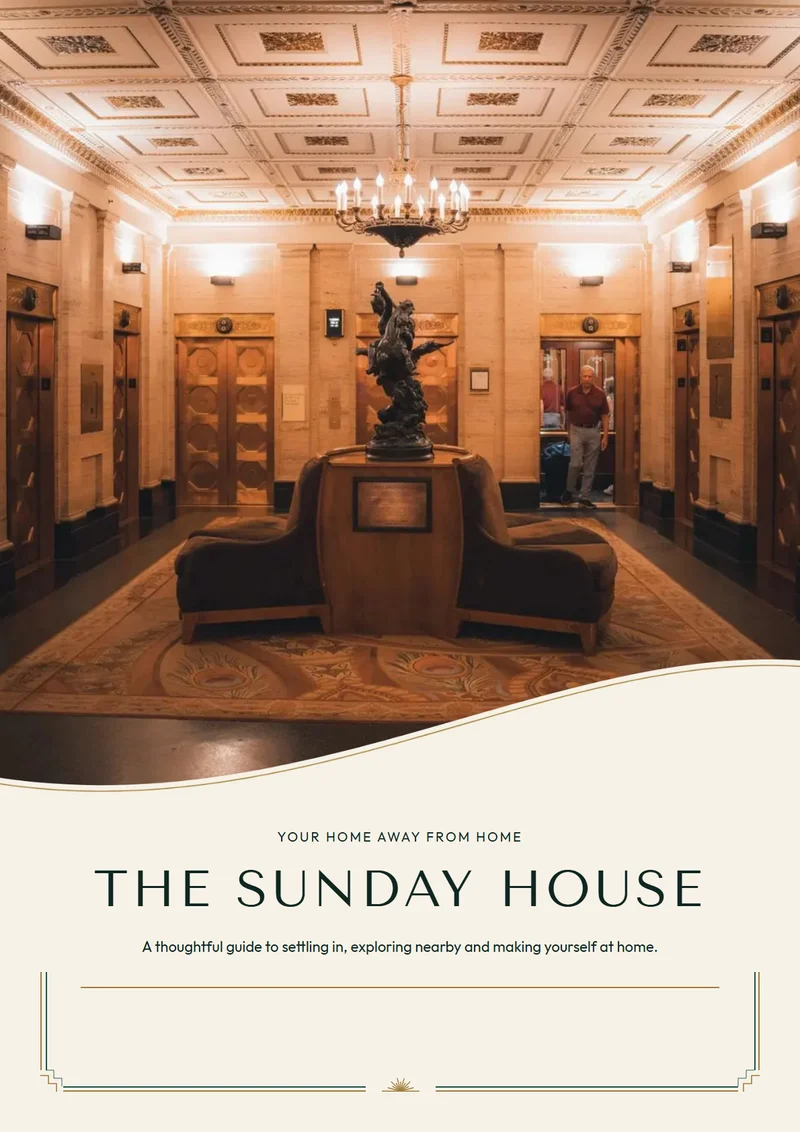
These are sample printable pages, including an example photo-column layout. Replace demonstration information and photography with your own; these are not photos of your property.
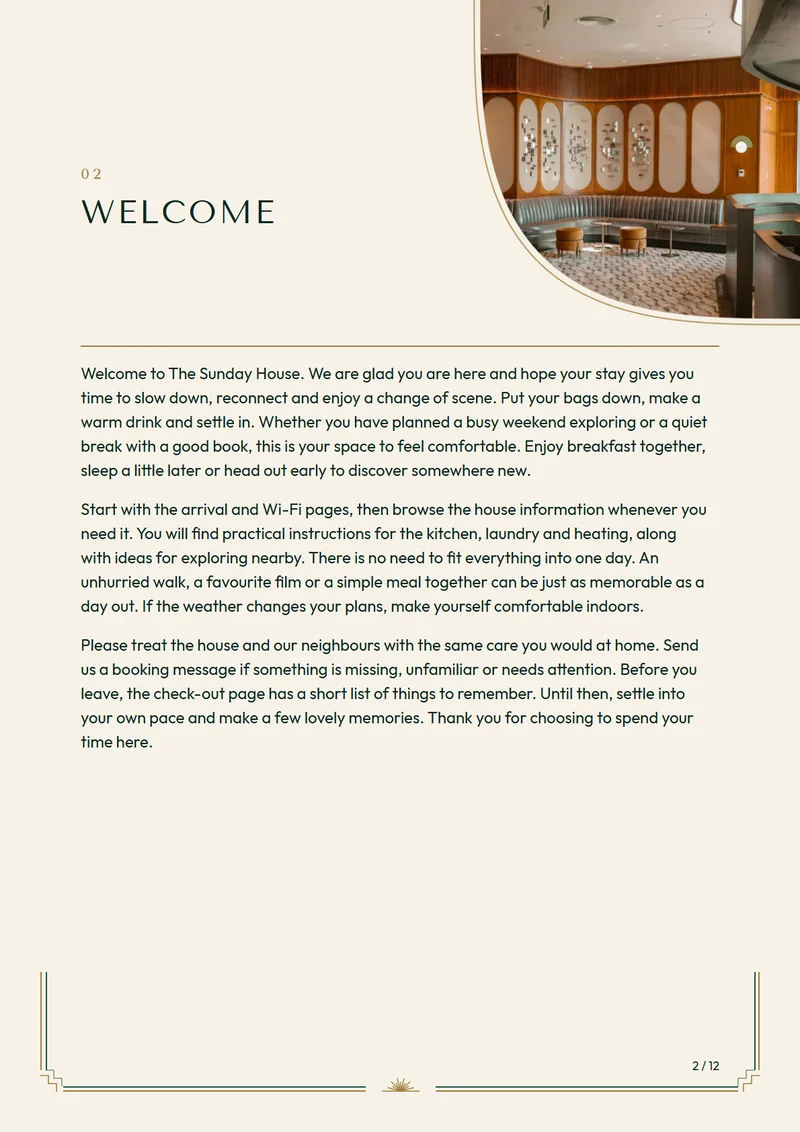
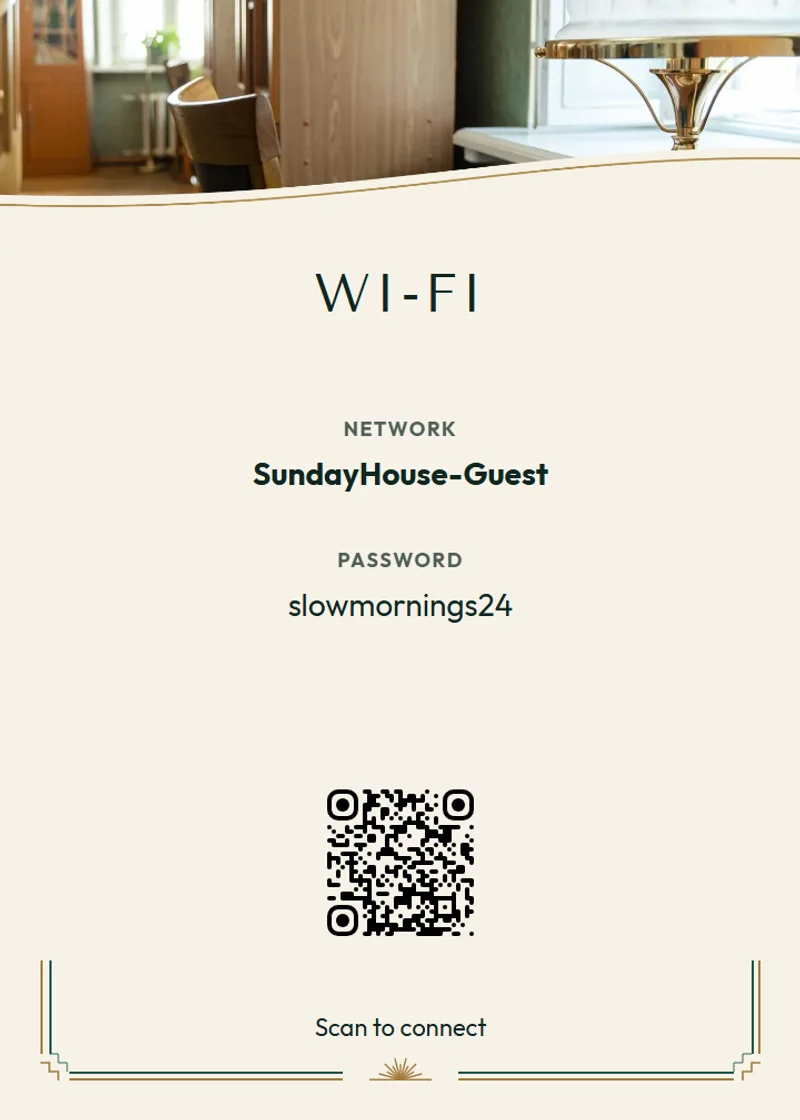
Use wide interior photographs with good light, such as a staircase, a lobby or a living room. Photographs reach the edge of the paper, so a home printer will leave a thin white margin; ask a print shop for edge-to-edge printing if you want none.
Choose this design, replace the sample details and photos, then check the preview and download your PDF. StayPerk handles the page layout while you edit the content. You can keep or remove pages and add more using the builder.
Start with ready-made guest-information pages: Welcome, About the house, Wi-Fi, Check-in, Guest guidelines, Amenities, Property instructions, Emergency information, Local recommendations, Check-out and a closing thank-you page, alongside the cover. Replace the sample details and remove anything you do not need.
Create a Welcome Book and compatible matching guest signs, including Wi-Fi, welcome, appliance instructions and short reminders. Your first PDF downloads free, with no account; signs also come as PNG.
Modern Luxury is quieter, with framed rectangular photographs; Boutique Hotel is softer and more photo-led.
A centered editorial title, architectural photo and exceptionally fine rules.
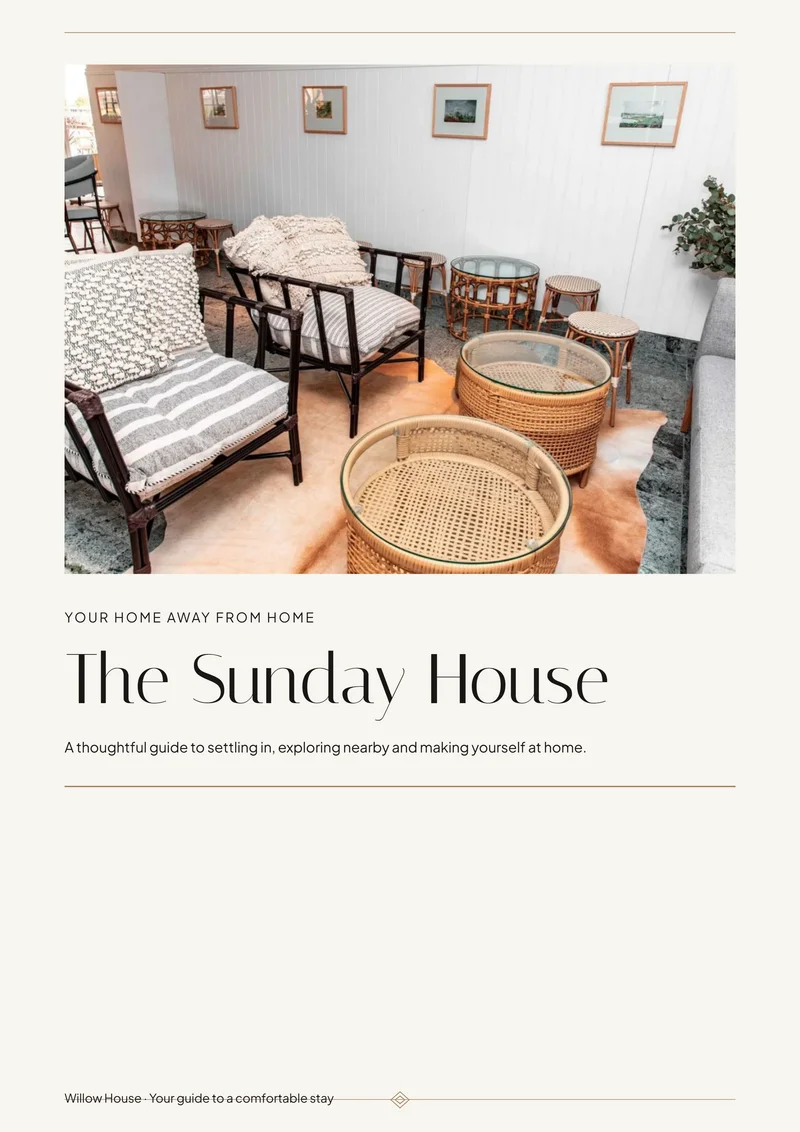
A photo-led cover with elegant headings and a small diamond detail.
Start with the printable version. Later, reuse supported guest information in a digital manual you can share by link, with videos and optional guest add-ons.
Review it before sharing; photos, print styling and later edits do not automatically transfer or stay synchronized.
Learn about printable and digital Welcome BooksThe button opens the editor with this design selected. Free to customize, and your first PDF downloads free with no account. No Canva.